Name the symptom instead of saying the converter failed
When youtube to mp3 does not work, first write down the last confirmed state. Did the page reject the link, show the wrong title, omit the audio panel, require sign-in, fail during task creation, or deliver a file that would not play? Those are different faults. A useful report includes the exact URL, browser, time, visible message, and last button pressed; “it failed” removes the evidence needed to choose a fix.
Stage one: prove that the source was recognized
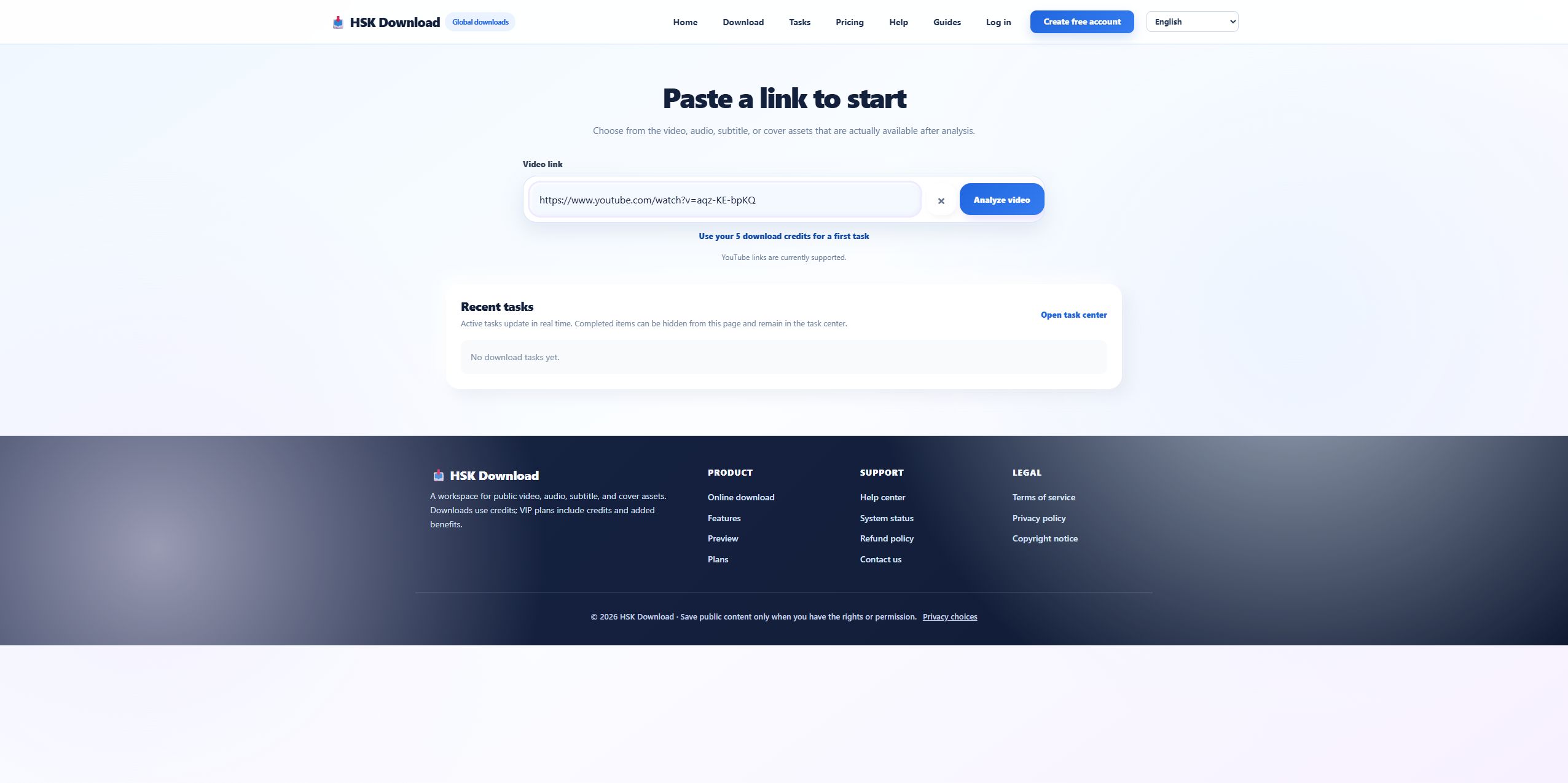
Our 2026-07-29 control test used the official Blender URL for “Big Buck Bunny 60fps 4K - Official Blender Foundation Short Film.” The live page returned the matching title, thumbnail, platform, and 2160p label. If your result shows another title or a blank source card, compare the pasted URL character by character. Remove playlist parameters only when the intended target is a single video, and confirm that the source remains publicly reachable in the browser.
A missing metadata value is not the same as missing assets
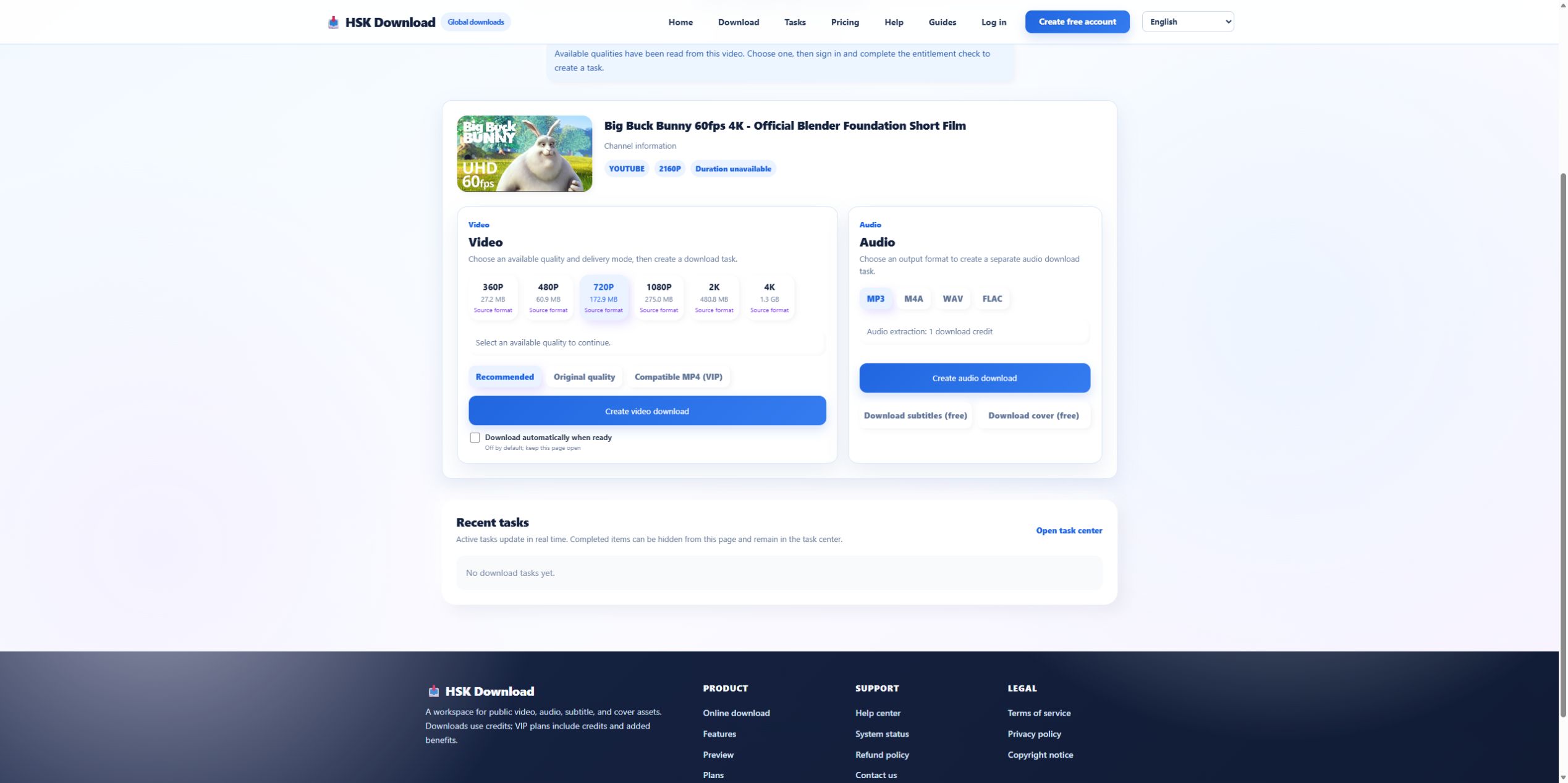
The control source exposed a useful edge case: HSK Download displayed “Duration unavailable,” while the YouTube player showed 10:34. Despite the missing duration field, the analysis still returned MP3, M4A, WAV, FLAC and six video qualities. Therefore, diagnose the fields independently. Missing duration can be logged as a metadata issue; an empty audio panel is an asset-discovery issue. Do not collapse them into one generic error.
Stage two: confirm an audio choice actually exists
If MP3 is absent but M4A appears, the source-analysis result—not the search keyword—defines what can be requested. If the whole audio panel is absent, refresh the source in YouTube, check whether it is a live event or still processing, and retry once after confirming the URL. Repeated retries at short intervals add no new evidence. Capture the source card and option panel before changing browsers so you can compare states.
Stage three: separate sign-in from conversion
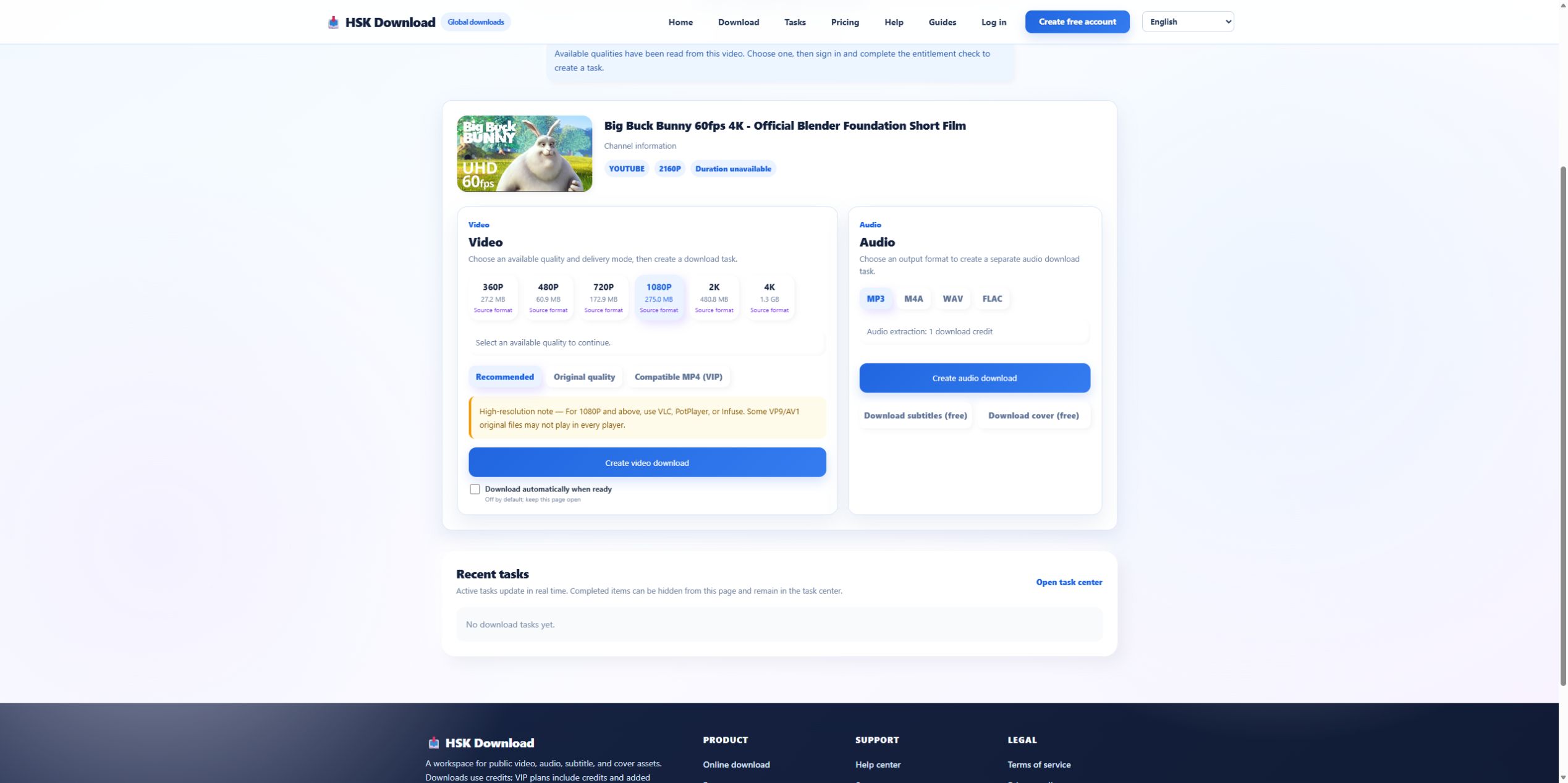
In the control run, the interface stated that the discovered qualities could be selected and then required sign-in plus an entitlement check before creating a task. That is not an MP3 codec failure. If a click leads to login, verify the account session. If it reports insufficient entitlement or credits, resolve that account condition. Only call it a conversion failure after a task has actually been accepted and has entered processing.
Stage four: distinguish delivery from playback
A completed task can still be followed by a browser-delivery problem. Check the browser’s download list and the configured destination folder. If a file exists but will not play, inspect its size and extension before downloading again. A zero-byte or unusually small file indicates delivery or task output; a normal-sized file that fails in one player may indicate player support. Test a second player before converting the source again.
Use one bounded recovery pass
Run this recovery sequence once:
- Reopen the source and confirm it is still available.
- Paste the canonical single-video URL.
- Verify the returned title and thumbnail.
- Confirm MP3 or another acceptable audio format is visible.
- Resolve sign-in or entitlement before creating the task.
- Record the task state and final browser action.
If the same stage fails again with the same evidence, stop. Changing ten unrelated settings makes the incident harder to reproduce.
Escalate with a compact evidence packet
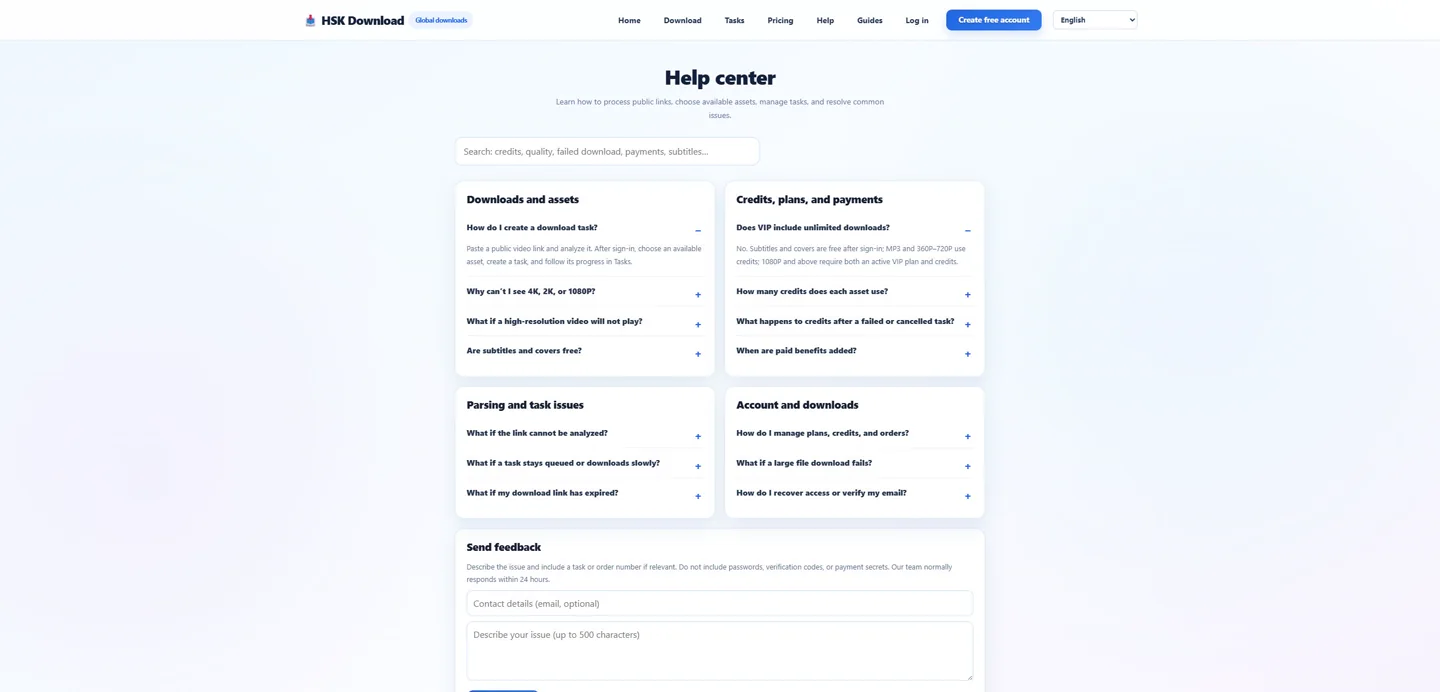
A support-ready packet contains the test time and time zone, source title, redacted URL if necessary, browser and device, screenshot of the last successful stage, exact visible message, and whether another authorized source works. Never include passwords, session tokens, payment details, or private source URLs. Reproduce the source check once on the English download page; the English help centre is the correct next destination when a platform or task error remains.