What this YouTube download test measured
A useful youtube download guide should report what a real source exposes. On 2026-07-29, we analyzed Blender’s official “Big Buck Bunny 60fps 4K - Official Blender Foundation Short Film” on the live English interface. YouTube showed a 10:34 runtime, while the HSK Download source card identified the source as 2160p. The run recorded the displayed resolution choices and size estimates; it stopped before the account-gated task step and does not claim a completed file.

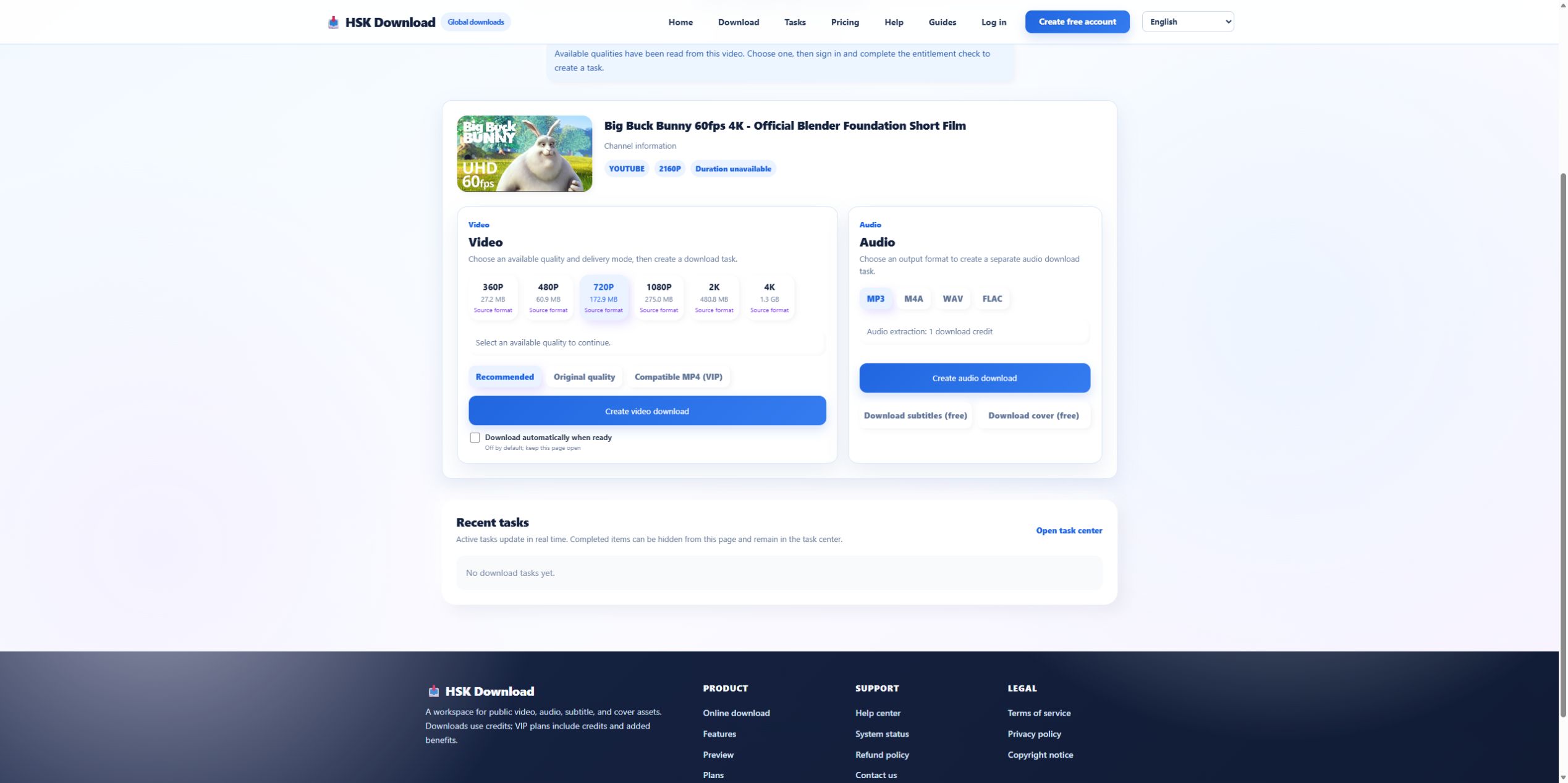
The six quality choices returned by the source
The analysis displayed:
- 360P — 27.2 MB
- 480P — 60.9 MB
- 720P — 172.9 MB
- 1080P — 275.0 MB
- 2K — 480.8 MB
- 4K — 1.3 GB
These values belong to this source at this moment. They are not universal limits or promises for other videos. A longer source, different frame rate, or different encoding can change the relationship between resolution and size.
Resolution choice is a storage decision
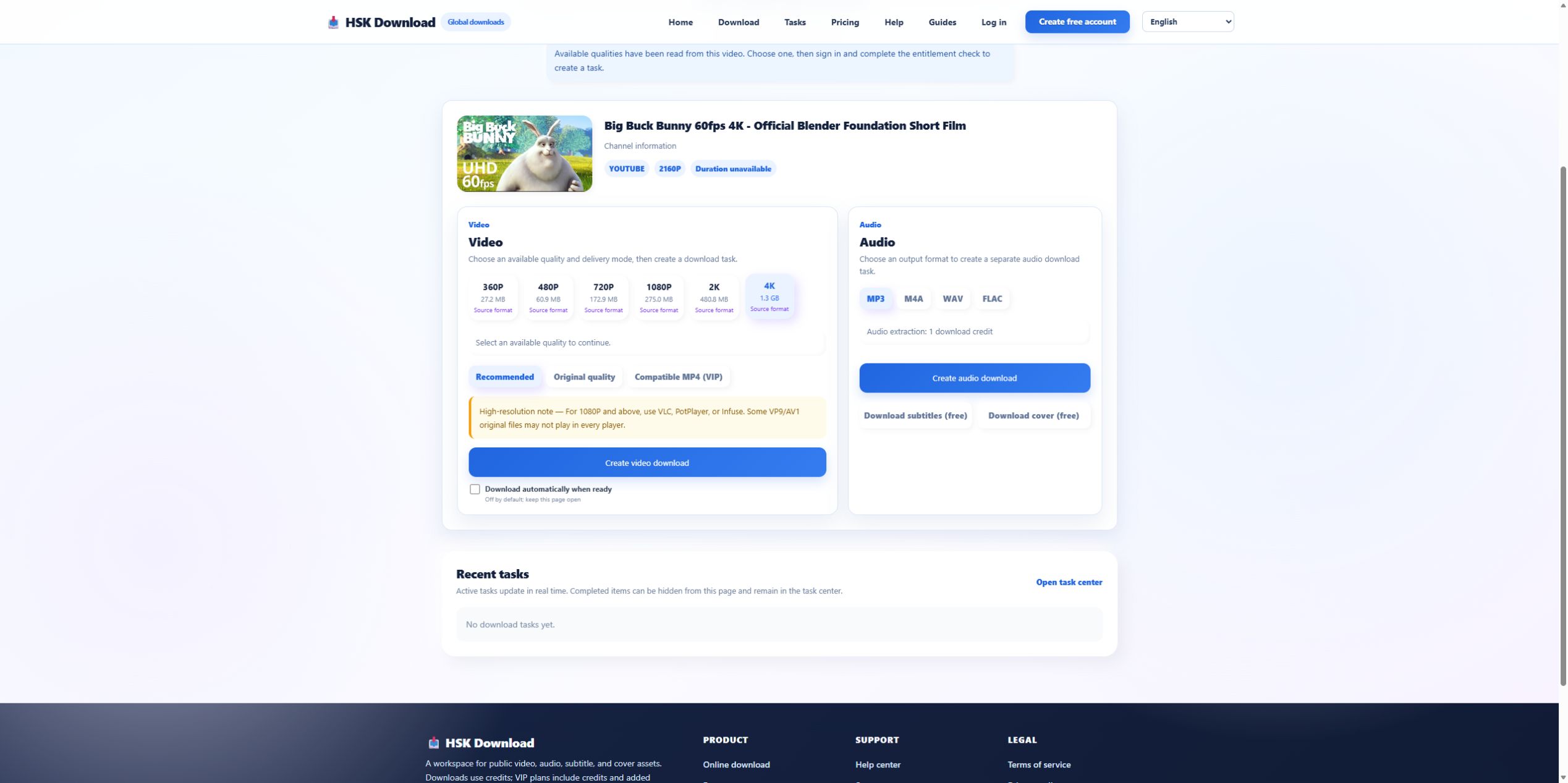
For this test, moving from 720P to 1080P added about 102.1 MB, while moving from 1080P to 4K increased the estimate by roughly one gigabyte. Choose 720P when a smaller file and broad mobile playback matter. Choose 1080P for a stronger desktop baseline when the display and source justify it. Choose 4K only when the extra pixels are useful and the device, storage, transfer time, and player can handle the result.
Recommended, original, and compatible are different promises
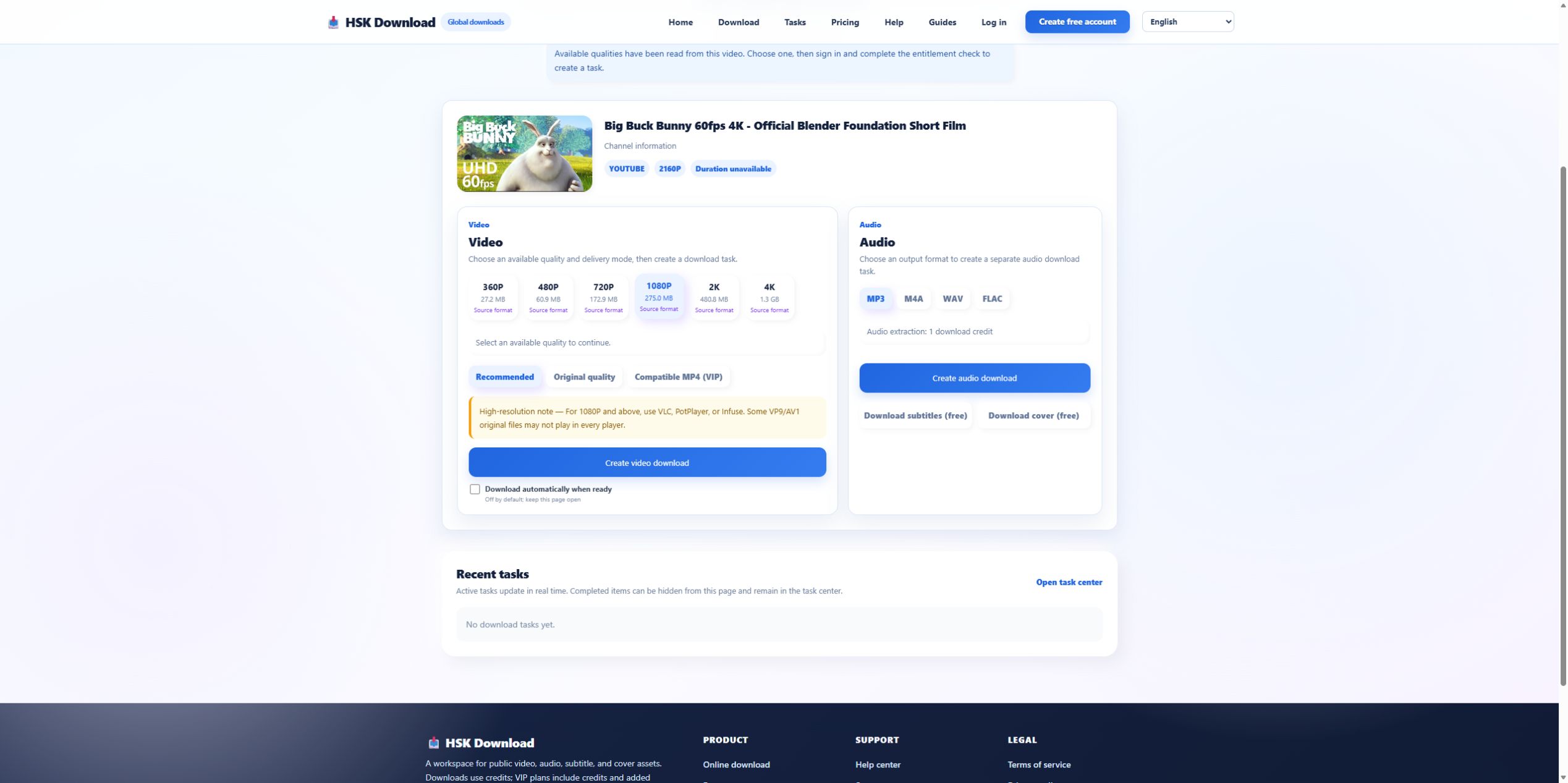
The video panel exposed three delivery modes: Recommended, Original quality, and Compatible MP4 (VIP). “Original quality” prioritizes the source representation; it does not guarantee that every older television, editor, or browser understands the codec. “Compatible MP4” indicates a compatibility-oriented path and was visibly marked VIP. “Recommended” is the starting choice when there is no special archival or device requirement. Record both resolution and delivery mode because either can explain a playback difference.
Plan storage before creating the task
Do not wait for a low-storage warning. Compare the displayed estimate with free space in the actual destination, not total device capacity. Leave additional working space for browser temporary files and any post-processing. On a phone, also confirm whether the browser saves to Downloads, Files, cloud storage, or an app-specific location. If a 1.3 GB result is unnecessary for the intended screen, selecting a smaller source option is better than compressing the file again afterward.
Follow an evidence-first workflow
Use this order:
- Confirm ownership, license, or permission.
- Paste the canonical public video URL.
- Match the returned title and thumbnail.
- Note every resolution actually offered.
- Compare the displayed size with destination storage.
- Choose Recommended, Original, or Compatible MP4 according to the playback target.
- Complete sign-in and entitlement checks.
- After delivery, inspect duration, resolution, file size, and playback.
Changing quality before verifying source identity can produce a perfectly valid file from the wrong video.
Verify what arrived, not what the button said
After an authorized task finishes, inspect the file properties and play samples near the start, middle, and end. Compare duration with the expected 10:34. Confirm the actual pixel dimensions rather than relying on the filename. If audio is missing only in one player, test another player before assuming the download is incomplete. Record the result so a later rerun can distinguish a source change from a tool change.
Limits that protect the user and the source owner
The visible choices are source-dependent, and no downloader can make an unavailable resolution authentic. Do not use this workflow for private, paid, restricted, or unauthorized material. Do not treat a public page as blanket permission. For an allowed source, begin with the English download page, select the smallest option that meets the real use case, and keep the license or permission record with the file.