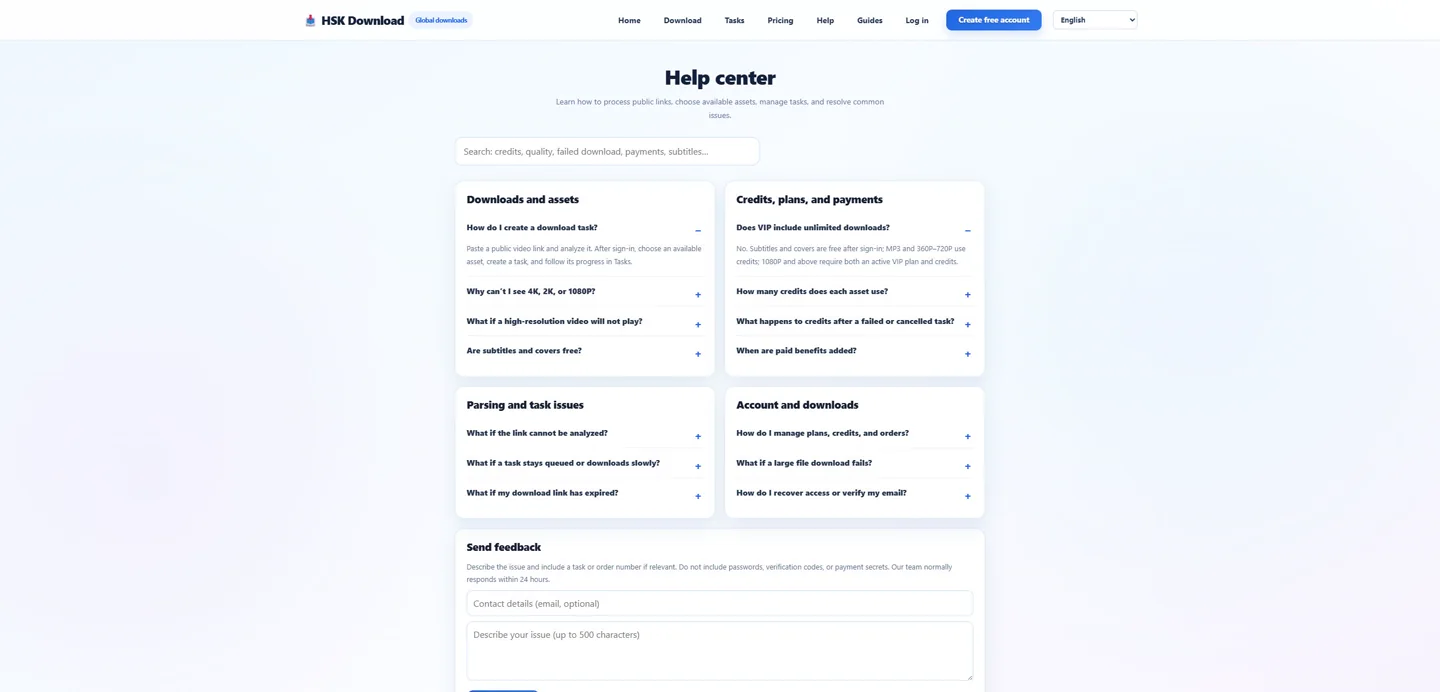
A download problem needs a stage and a symptom
The phrase youtube download covers several systems. This fault tree is grounded in a live control run dated 2026-07-29. Write the incident as “the source card did not appear,” “1080P was missing,” “task creation requested login,” “the browser did not save a file,” or “the file failed in one player.” That wording immediately narrows the investigation. It also prevents an account problem from being mislabeled as a resolution or codec problem.
Use a known source as the control
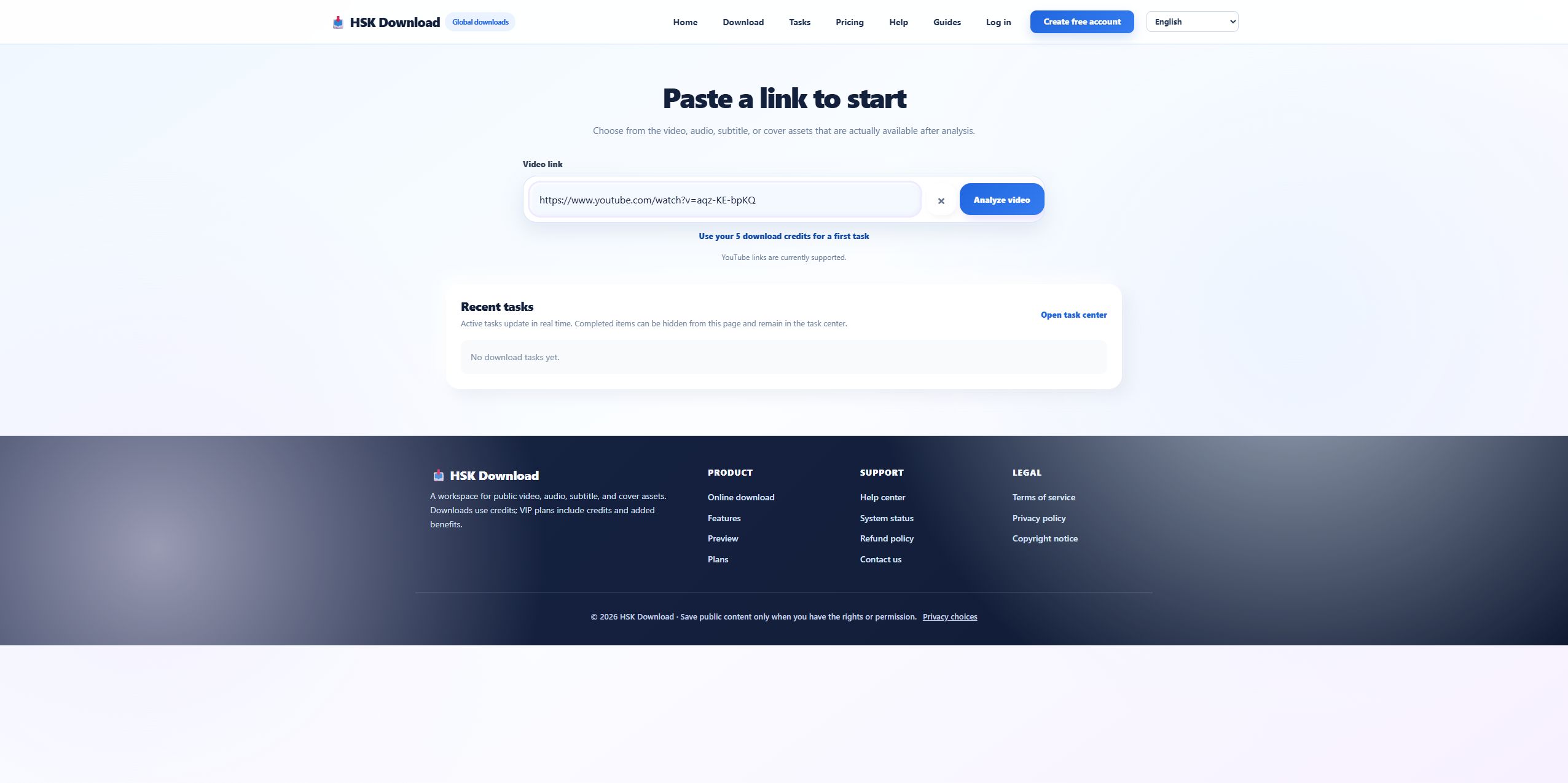
Our control was Blender’s official “Big Buck Bunny 60fps 4K - Official Blender Foundation Short Film.” YouTube displayed 10:34; HSK Download returned the matching title, thumbnail, 2160p, six quality choices, and four audio choices. If a different authorized URL fails, compare its result with a control source. When the control works and the target does not, investigate the target’s availability, restrictions, processing state, or asset inventory before changing the browser.
Do not confuse incomplete metadata with failed analysis
The control result showed “Duration unavailable,” even though the source player reported 10:34. At the same time, the page successfully listed all six resolutions. That evidence shows why one missing field must be logged precisely. If title, thumbnail, and options are correct, the analysis is partially successful. If the entire card is absent, the failure happened earlier.
When an expected resolution is missing
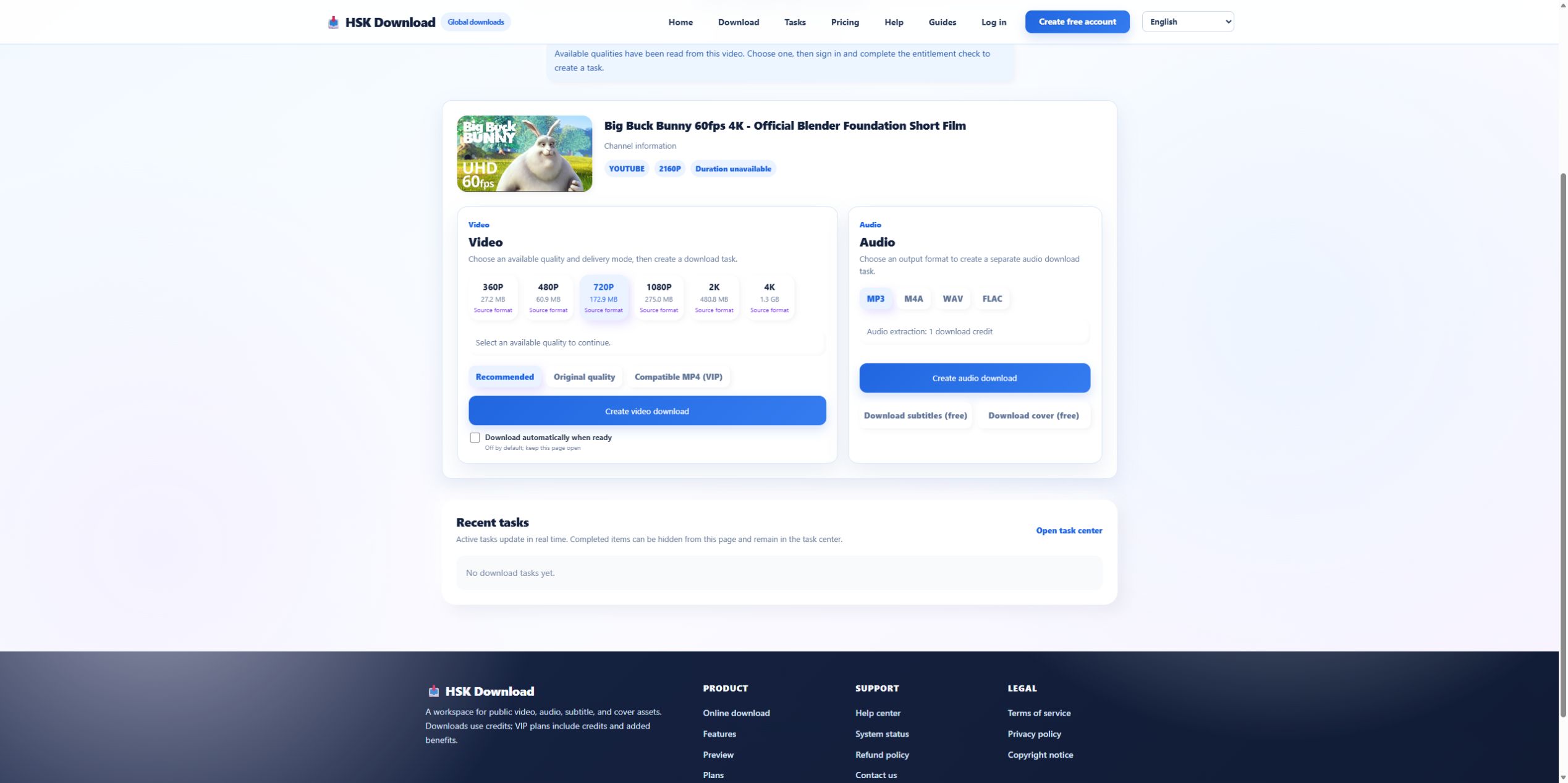
First confirm that the source itself offers the resolution and has finished processing it. Then compare the options returned by analysis. For the control source, the list ran from 360P through 4K. A separate video may legitimately stop at 720P or 1080P. Do not create a synthetic “4K” file from a lower-resolution source and call it original. If a resolution appeared earlier and disappeared later, record the time and source state before escalating.
When the selected file is too large
A size surprise is a planning failure, not necessarily a task fault. The control estimates rose from 27.2 MB at 360P to 1.3 GB at 4K. Compare the chosen estimate with free destination space and browser temporary space. If the task has not started, choose a smaller adequate resolution. If a task is already processing, do not start duplicates merely to test another size; wait for a terminal state or cancel through the supported interface.
When task creation stops at login or entitlement
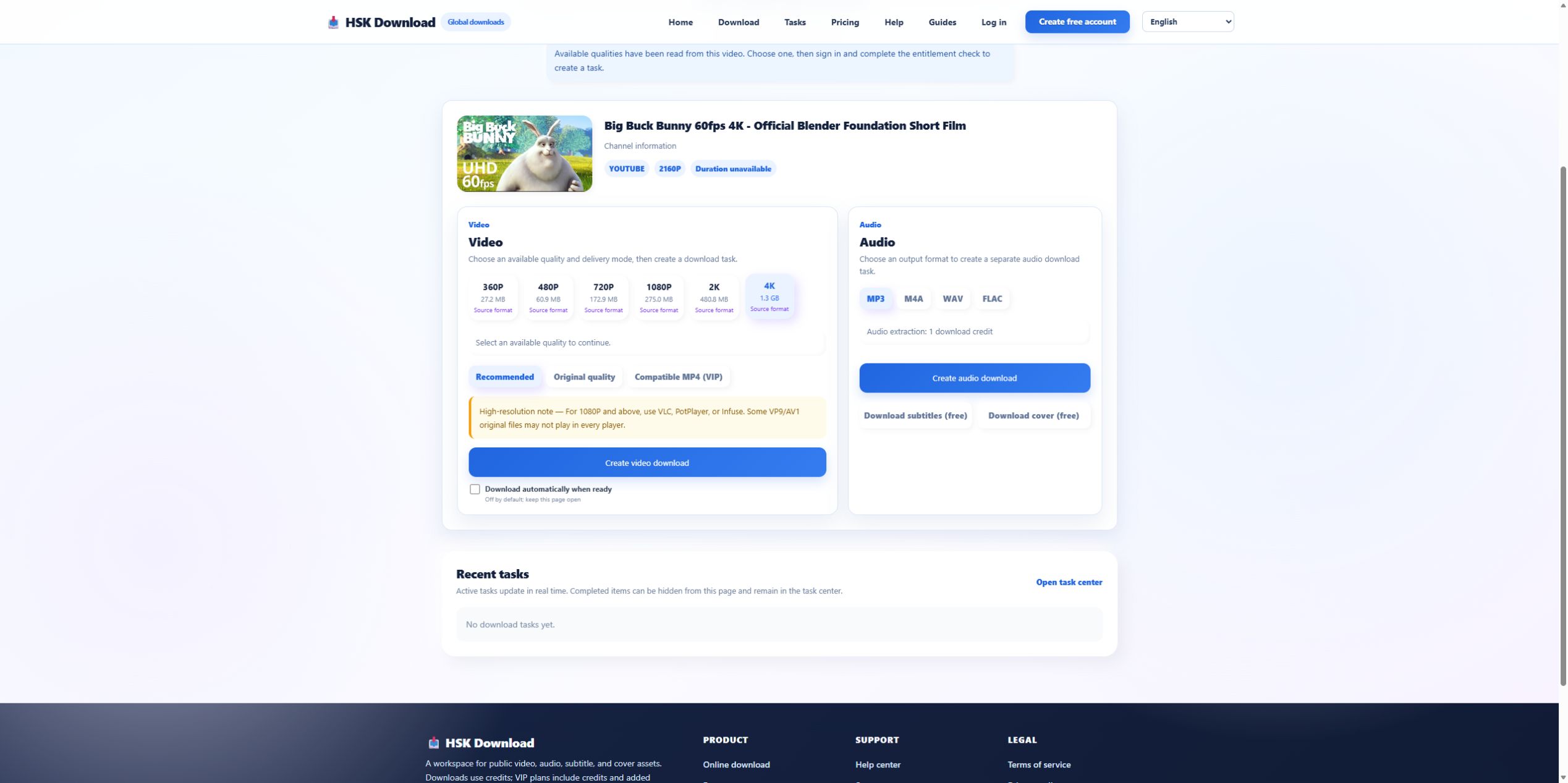
The control interface required sign-in and an entitlement check after quality selection. A login redirect means the source and option stages have already succeeded. Restore the intended account session and return to the task. An entitlement or credit message must be resolved at the account layer. Refreshing the source URL cannot grant access, and choosing 360P instead of 4K does not repair an expired session.
When the browser has no visible file
Check the task centre before submitting again. If the task is queued or processing, there is no delivery failure yet. If it is complete, inspect the browser download list and destination path. Browser security settings, blocked automatic downloads, and storage permissions can interrupt delivery after a valid task. Preserve the task identifier and status; those are stronger diagnostic signals than the filename you expected.
When the file exists but playback fails
Inspect actual file size, resolution, and codec. Try a second current player. If Original quality fails but a compatibility-oriented MP4 works, the issue is likely device or codec support rather than source discovery. If every player reports a truncated or corrupt file, return to the task output evidence. Recheck one permitted source on the English download page, then contact the English help centre with the task stage, non-sensitive screenshots, and the smallest reproducible case.