Translate the shorthand into a real requirement
The query yt to mp3 is brief, but the user still needs to decide whether the result is for casual listening, a presentation, editing, transcription, or an archive. Write down the next application and device. That determines whether MP3 compatibility is valuable or whether M4A may avoid an unnecessary format change. The query itself contains no evidence about permission or source quality.
Use a licensed source and verify identity
On 2026-07-29, the control URL was Blender’s official “Big Buck Bunny 60fps 4K - Official Blender Foundation Short Film.” The returned card matched the title and thumbnail. YouTube showed 10:34, while the result card showed “Duration unavailable.” This mismatch is a reminder to verify several fields and avoid stopping at a single metadata label.

The audio panel returned four choices
The analysis displayed MP3, M4A, WAV, FLAC. It did not display a bitrate selector, so this page cannot support a claim such as “guaranteed 320 kbps.” MP3 is the broad-compatibility choice; M4A can be a more direct fit for modern devices and editors that support it. WAV and FLAC address different editing or storage needs but do not improve the original stream.
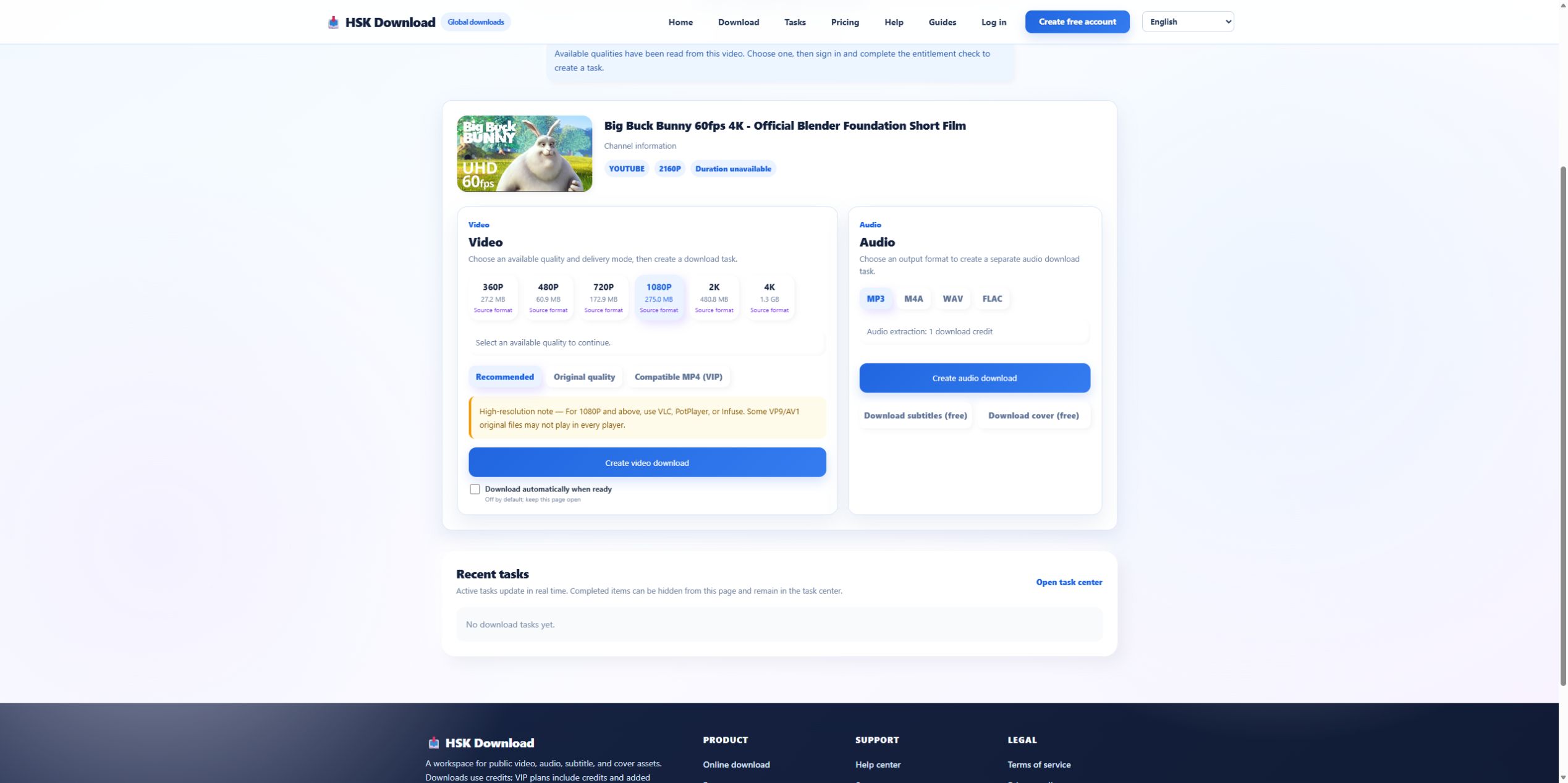
Choose M4A when the destination already supports it
If the file will stay in a current phone, desktop player, or editor that accepts M4A, avoiding an extra MP3 conversion may be sensible. Test the target app first. If the file must play on older hardware, attach to a legacy workflow, or meet an MP3-only specification, choose MP3. Format choice should remove a downstream problem, not follow habit.
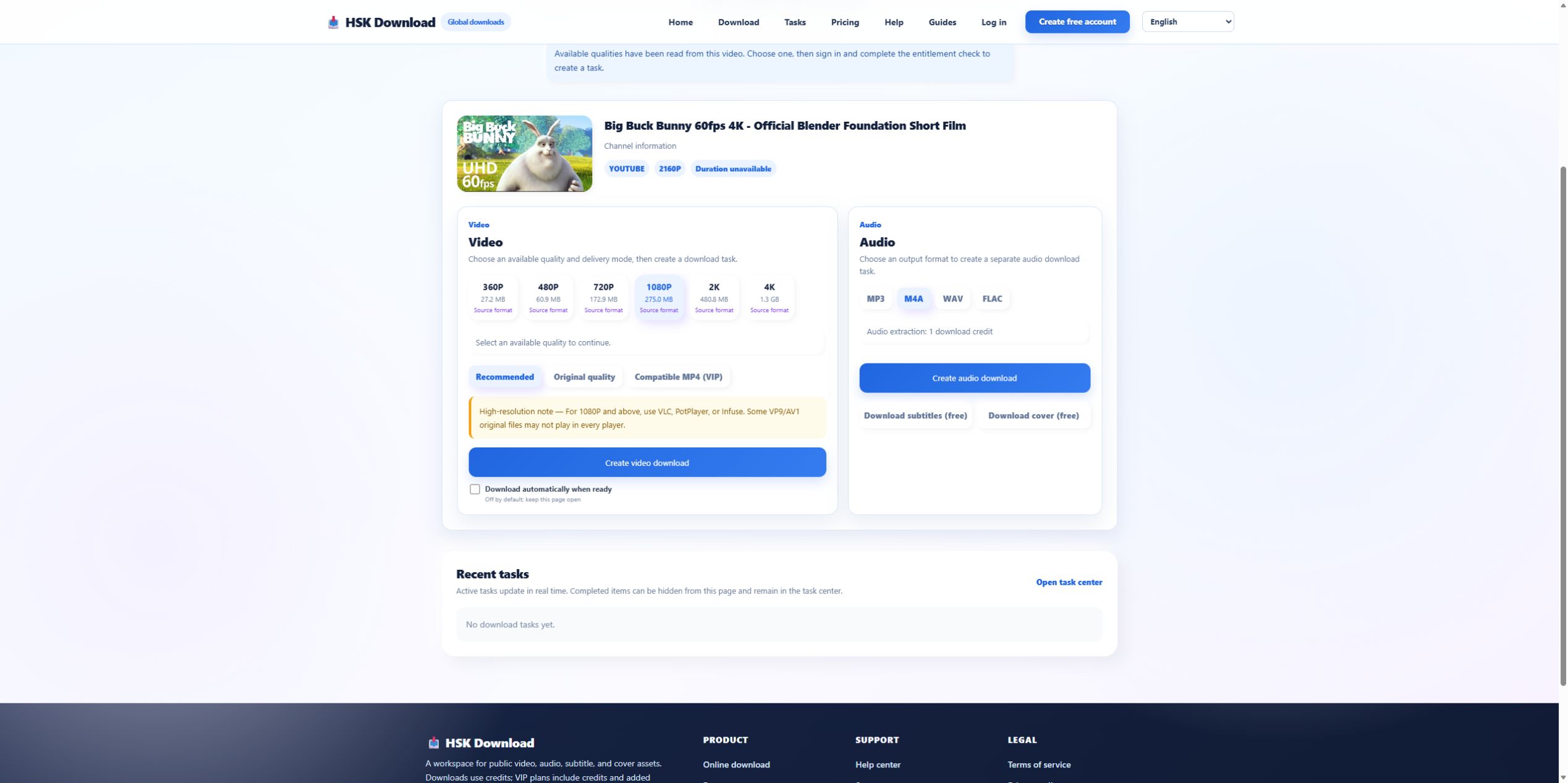
Record the account boundary honestly
After format selection, the control interface required sign-in and an entitlement check before task creation. This evidence run stopped there. It verifies that MP3 and M4A were offered; it does not claim a final bitrate, file size, or conversion time. High-quality documentation marks that boundary instead of presenting an analysis screenshot as proof of a completed audio file.
Plan mobile storage and the save location
On a phone, determine whether the browser saves to Files, Downloads, cloud storage, or an application-specific folder. Leave space for temporary data. Do not tap Create repeatedly when no file appears; check task state and the browser download list first. If the device cannot open M4A, that is a compatibility decision for the next task, not proof that analysis failed.
Verify the delivered audio in three places
Compare the expected 10:34 with the actual duration, listen near the beginning, middle, and end, and inspect the format metadata. Check for truncation, long silence, or a mislabeled extension. For speech, verify intelligibility; for music, avoid claiming quality beyond the source. Retain the source URL and permission record with the test notes.
Use the tool only for authorized media
A shorthand search does not reduce copyright or privacy obligations. Do not process private, paid, restricted, or confidential URLs without authority. If the source is owned, licensed, public domain, or otherwise permitted, open the English download page, confirm the returned source, and choose MP3 or M4A based on the actual destination.
Use a compact preflight card for shorthand searches
A useful preflight card for yt to mp3 contains six fields: permission basis, canonical source URL, matched title, source runtime, destination application, and chosen format. Add “MP3 because…” or “M4A because…” in one sentence. If that sentence cannot be completed, the format decision is premature. After delivery, append actual duration, real media type, file size, and the result of listening near the beginning, middle, and end.
Evidence ledger for “YT to MP3: A Short-Query Guide to Choosing MP3 or M4A Without Guesswork”
Evidence date: 2026-07-29. Control source: Big Buck Bunny 60fps 4K - Official Blender Foundation Short Film from the official Blender channel (10:34 in the YouTube player). The live analysis exposed 6 video resolutions, 4 audio formats, subtitles and cover, then required sign-in and an entitlement check before task creation. This ledger states exactly which observations support undefined and prevents the article from implying that a completed file was produced when the run stopped at the documented account boundary.