The destination is part of the download decision
The phrase download youtube video focuses on the action, but many failures happen after analysis: insufficient storage, an unexpected browser folder, blocked automatic downloads, or an unsupported player. Before creating a task, identify the destination device, available space, browser download policy, and application that will open the result.
Use source-specific size evidence
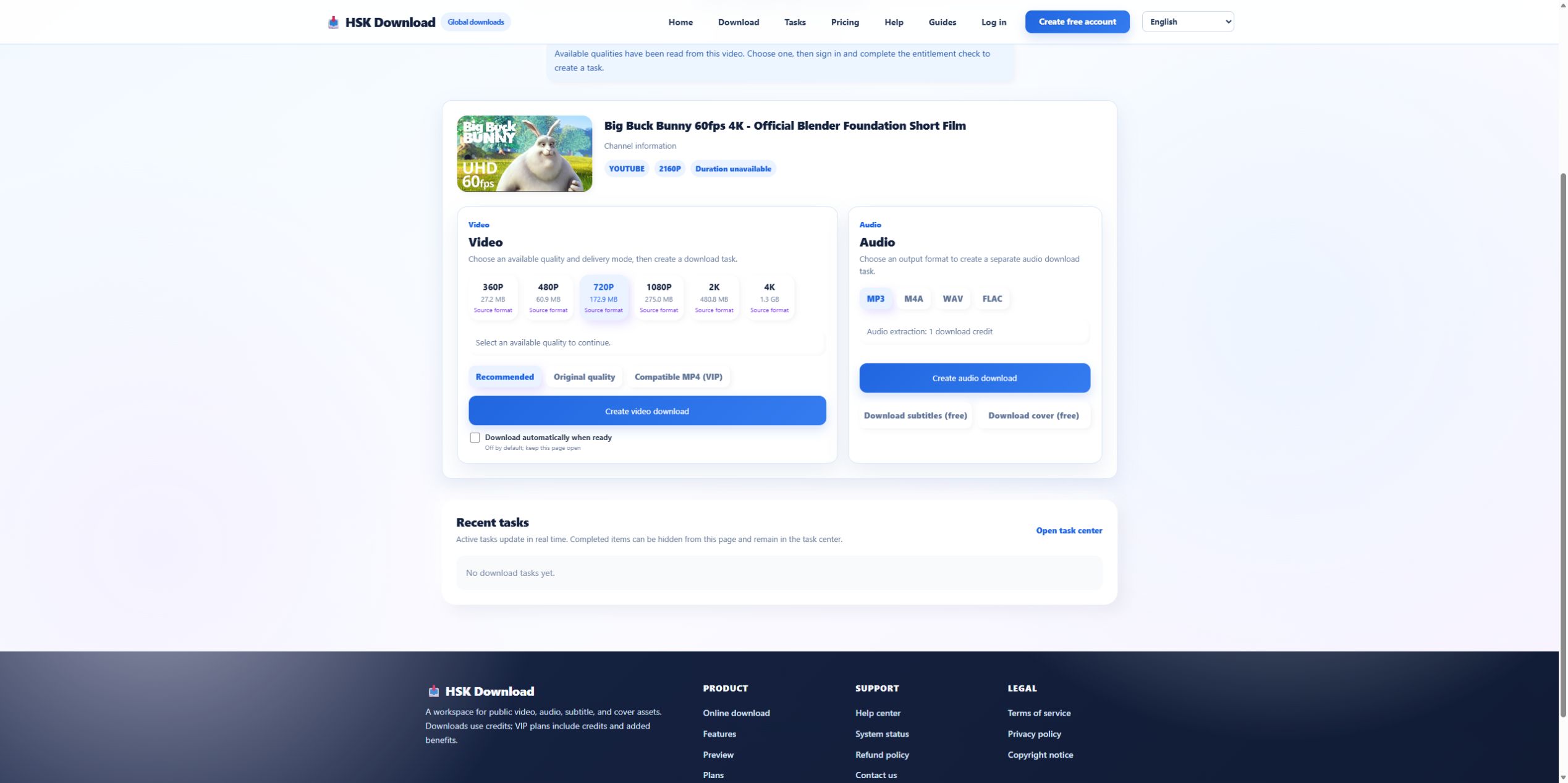
On 2026-07-29, the official Blender control produced a visible range from 27.2 MB at 360P to 1.3 GB at 4K. YouTube showed a 10:34 runtime. Those numbers demonstrate why generic advice such as “4K is best” is incomplete. A source five times longer or encoded differently can require a very different storage plan.
Reserve more than the displayed estimate
Browsers can use temporary space before the final file is committed. Filesystems and security tools also add overhead. Leave a reasonable margin beyond the estimate, especially on phones and nearly full drives. If 4K is not necessary, reduce the selected source quality before task creation rather than relying on a later compression pass.
Know where each browser saves
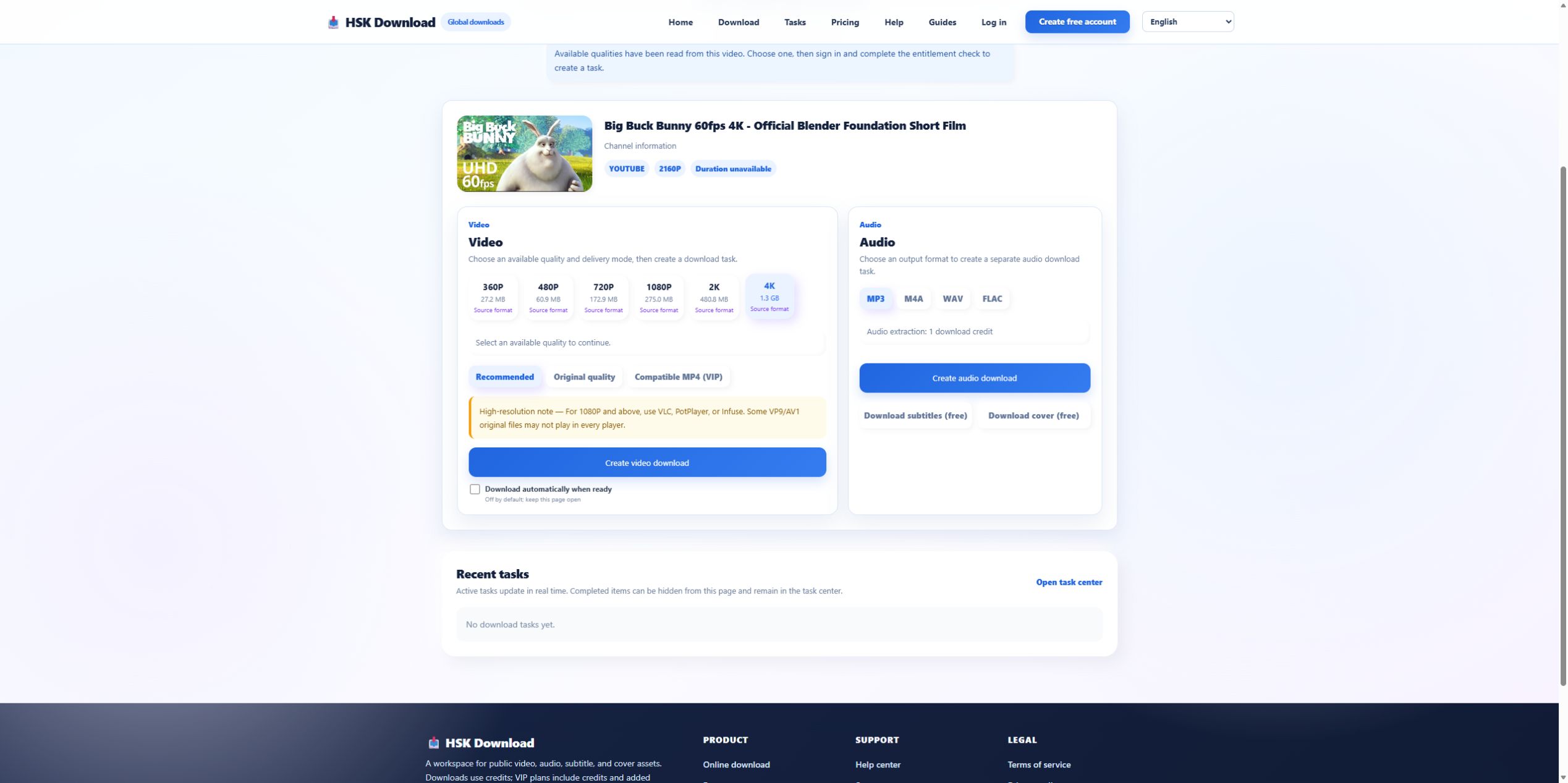
On desktop, inspect the browser’s Downloads setting and whether it asks for a location. On iPhone or iPad, check the Files app and the configured local or cloud destination. On Android, check Downloads and browser permissions. A media app may not automatically index a newly saved file. Verify through the file manager before starting another task.
Select a delivery mode for the target player
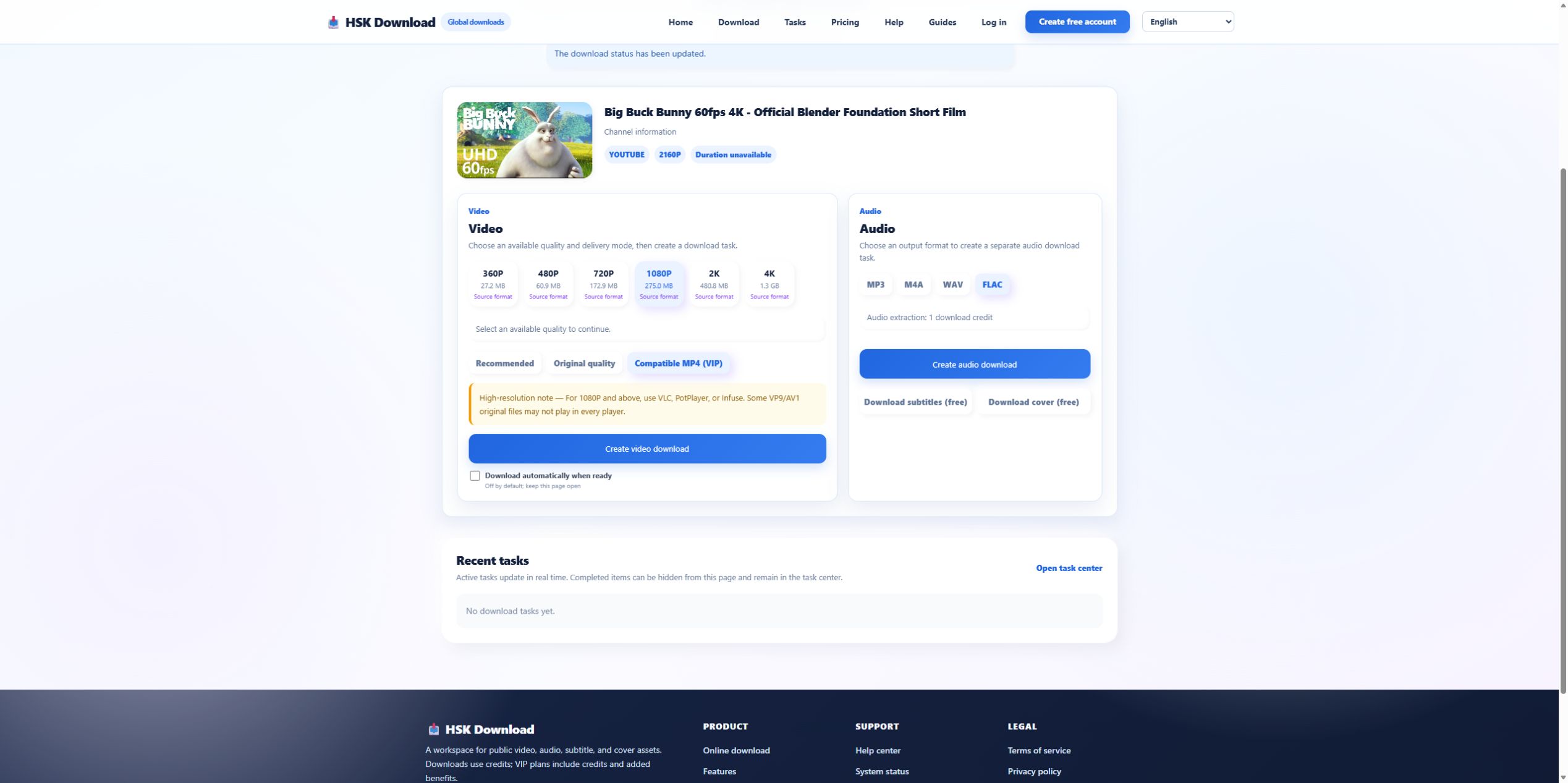
Recommended is the baseline, Original quality favors the source representation, and Compatible MP4 (VIP) addresses broader playback. If the file must open on an older television or editor, compatibility may be more important than source fidelity. Record the mode with the resolution so a later playback result can be explained.
Create one task and follow its state
After source, quality, destination, and permission checks, complete sign-in and entitlement. Create one task. Use the task centre to distinguish queued, processing, completed, and failed states. Do not click repeatedly because the browser did not immediately show a download. Task completion and file delivery are separate events.
Verify delivery in a fixed order
Check task state, browser download list, destination folder, file size, duration, dimensions, and playback. If the task is complete but no file exists, focus on browser delivery. If the file exists but fails in one player, focus on codec compatibility. If the duration is short, return to the output or transfer evidence.
Keep the legal and privacy record with the file
Save only content you own or are allowed to process. Do not paste private or tokenized links into a service without authorization. Record the owner, license, or permission and avoid redistributing beyond its terms. When these checks are complete, use the English download page and select the smallest adequate result.
Estimate storage with a safety margin
The displayed estimate is planning evidence, not a guaranteed final byte count. Reserve the estimate plus working space for the browser and any later editing or copying. For this control, choosing 4K means planning around a 1.3 GB result rather than treating all “video downloads” as similar. On a phone, also check the browser’s download location and cloud-sync behavior. On a desktop, verify that the destination drive—not merely the system drive—has enough space. Record the free-space reading before and after the transfer so an unexpected storage change can be investigated.
Evidence ledger for “Download YouTube Video: Plan Browser Storage and File Delivery Before You Start”
Evidence date: 2026-07-29. Control source: Big Buck Bunny 60fps 4K - Official Blender Foundation Short Film from the official Blender channel (10:34 in the YouTube player). The live analysis exposed 6 video resolutions, 4 audio formats, subtitles and cover, then required sign-in and an entitlement check before task creation. This ledger states exactly which observations support undefined and prevents the article from implying that a completed file was produced when the run stopped at the documented account boundary.