First prove whether a task exists
If you tried to download youtube video and no file appeared, open the task centre before submitting again. A queued or processing task has not reached delivery. A failed task needs its recorded message. A completed task moves the investigation to the browser and filesystem. Without this distinction, a second click can create a duplicate rather than reveal the cause.
Confirm source and selected size
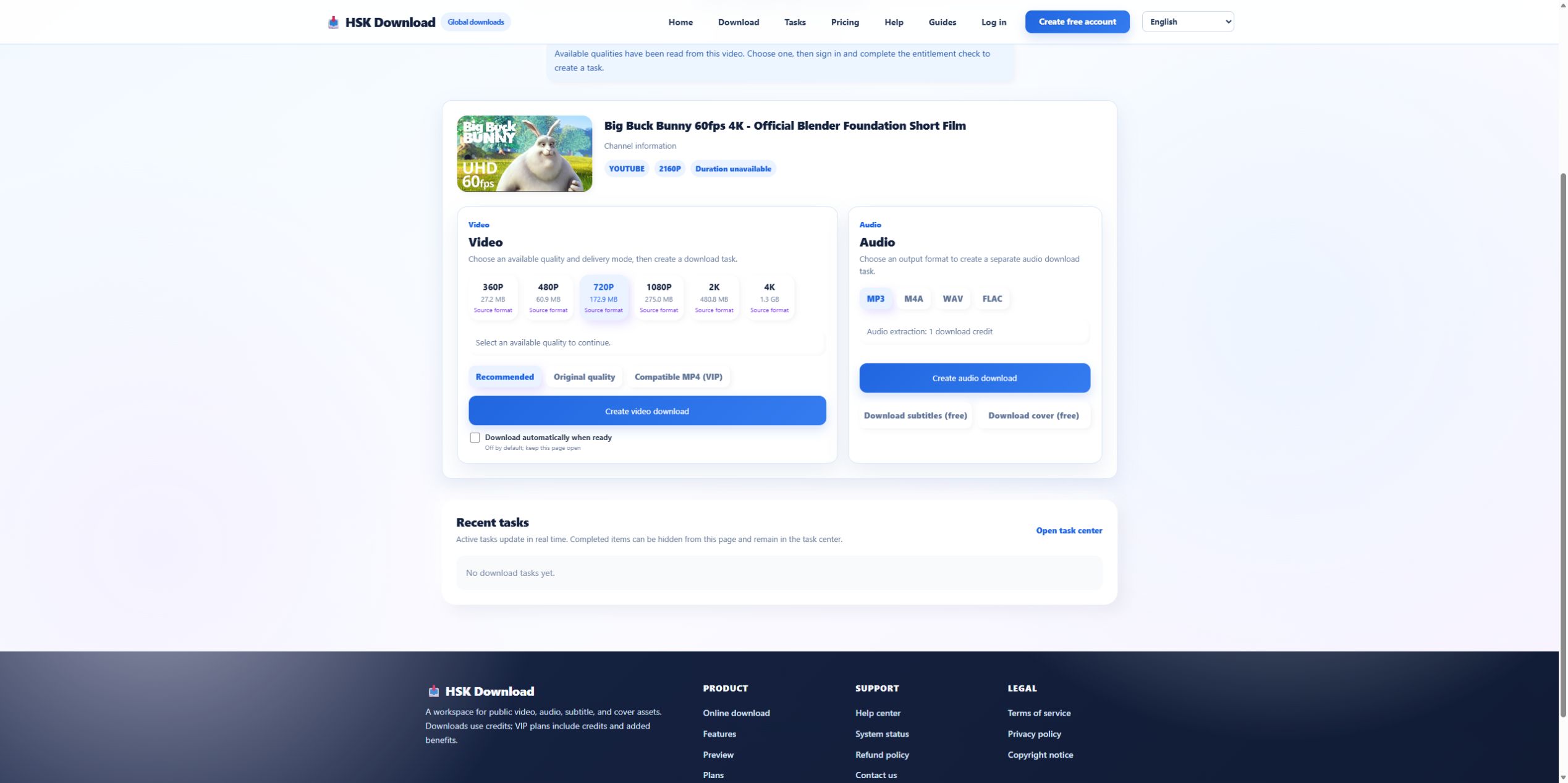
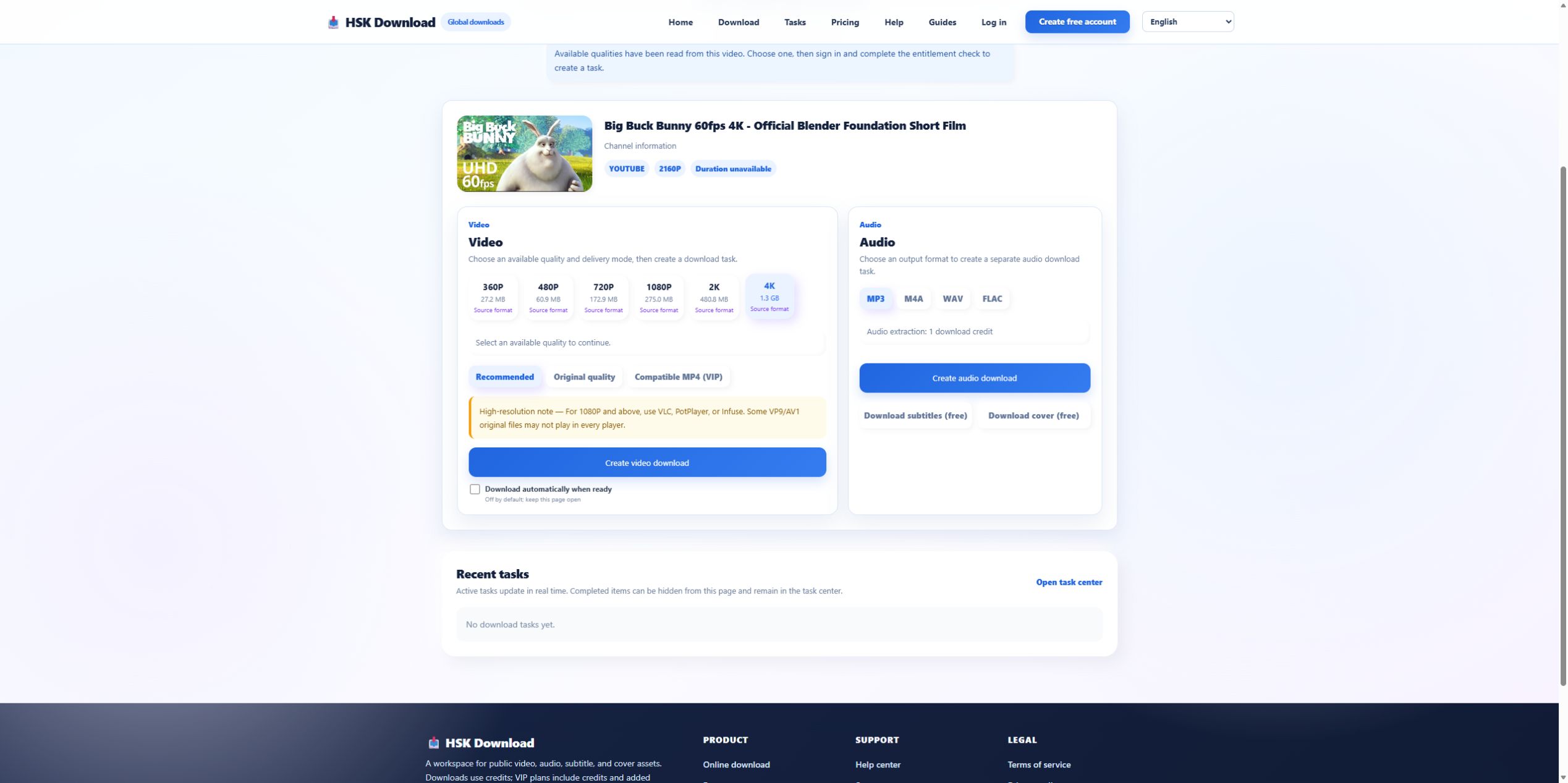
The 2026-07-29 control returned the official Blender source and size estimates from 27.2 MB to 1.3 GB. Record the chosen resolution and estimate. A device with less free space than the selected result cannot complete delivery reliably. If the source card or option panel never appeared, the problem occurred before browser saving.
Inspect the browser download list
The download list can show blocked, canceled, interrupted, dangerous, or complete state even when no file is visible in the expected folder. Review the entry and its destination. Do not bypass a security warning without understanding it. If the browser canceled an automatic second file, change the site permission deliberately and retry only the delivery step.
Check the actual destination
Desktop browsers may save to a custom folder or ask for a location behind another window. Mobile browsers may use Files, Downloads, cloud storage, or an app container. Search by the task’s completion time and inspect recent files. A media gallery is not a complete view of the filesystem and may ignore unsupported containers.

Measure free space against the chosen option
For the control, 1080P was estimated at 275.0 MB and 4K at 1.3 GB. Leave margin for temporary data and filesystem overhead. If delivery failed near completion on a nearly full device, free space or choose a smaller adequate resolution. Do not delete unrelated user data automatically; make the storage decision explicitly.
Distinguish a hidden file from an unusable file
If a file exists, inspect size and extension. A zero-byte or partial file indicates interrupted delivery. A normal-sized file that does not appear in the gallery may still open from the file manager. Try the intended player and one current alternative. Playback diagnosis begins only after the file is found and shown to be complete.
Avoid duplicate credit or entitlement use
A missing browser prompt does not mean the server failed. Check the existing task and its download action. If a completed task offers another supported delivery action, use it rather than creating a new conversion. Record every task identifier used in the diagnosis so support can distinguish retries from the original case.
Escalate the delivery layer safely
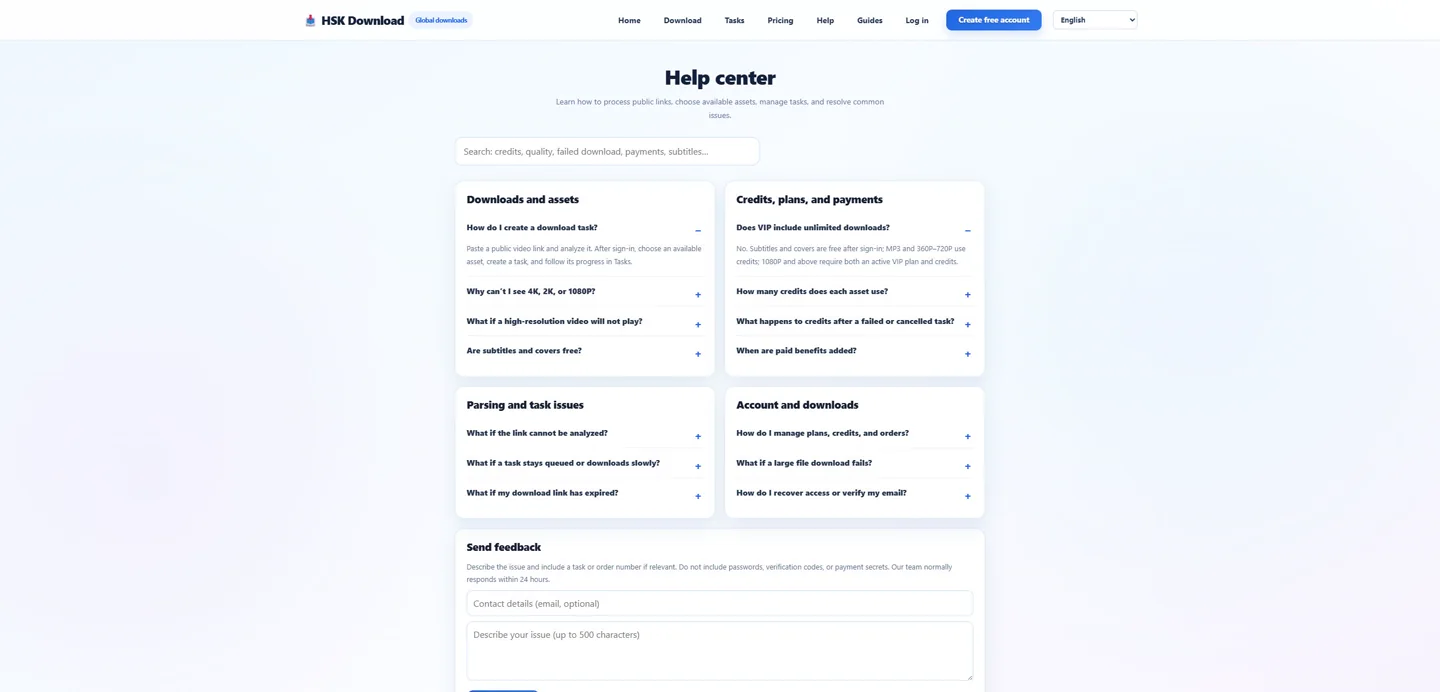
Provide task status, completion time, chosen quality, estimated and actual size, browser, operating system, download-list state, destination path type, and storage available. Do not send private URLs or account credentials. Reproduce once through the English download page; if delivery still fails, use the help centre with sanitized screenshots.
Use the browser download record as delivery evidence
The browser’s download panel can show whether a transfer started, was blocked, was interrupted, was renamed, or was saved somewhere unexpected. Capture the filename, timestamp, status, and destination without exposing unrelated private downloads. Compare that record with the site’s task status. “Task completed, browser has no transfer” and “browser transfer interrupted at 62%” are different faults and should lead to different recovery steps.
Evidence ledger for “Download YouTube Video but No File Appears: Trace Task, Browser, and Storage”
Evidence date: 2026-07-29. Control source: Big Buck Bunny 60fps 4K - Official Blender Foundation Short Film from the official Blender channel (10:34 in the YouTube player). The live analysis exposed 6 video resolutions, 4 audio formats, subtitles and cover, then required sign-in and an entitlement check before task creation. This ledger states exactly which observations support undefined and prevents the article from implying that a completed file was produced when the run stopped at the documented account boundary.