Record the exact page before diagnosing the error
A report that says ytmp3 youtube to mp3 converter failed is incomplete because similarly named results may lead to different domains. Record the domain, page title, time, button label, and destination after the click. Do not post the full URL if it contains tokens or personal identifiers. This article does not identify every site using the phrase as one service.
Unexpected redirects are a page-flow problem
If Analyze or Download opens advertising, a store, an extension prompt, or a different domain, return without granting permission. Capture the origin and destination domains. Clear only the site-specific permission if one was accidentally granted; do not erase the entire browser profile as a first response. Reproduce with a safe control only if necessary.
Use the Blender control to test source recognition
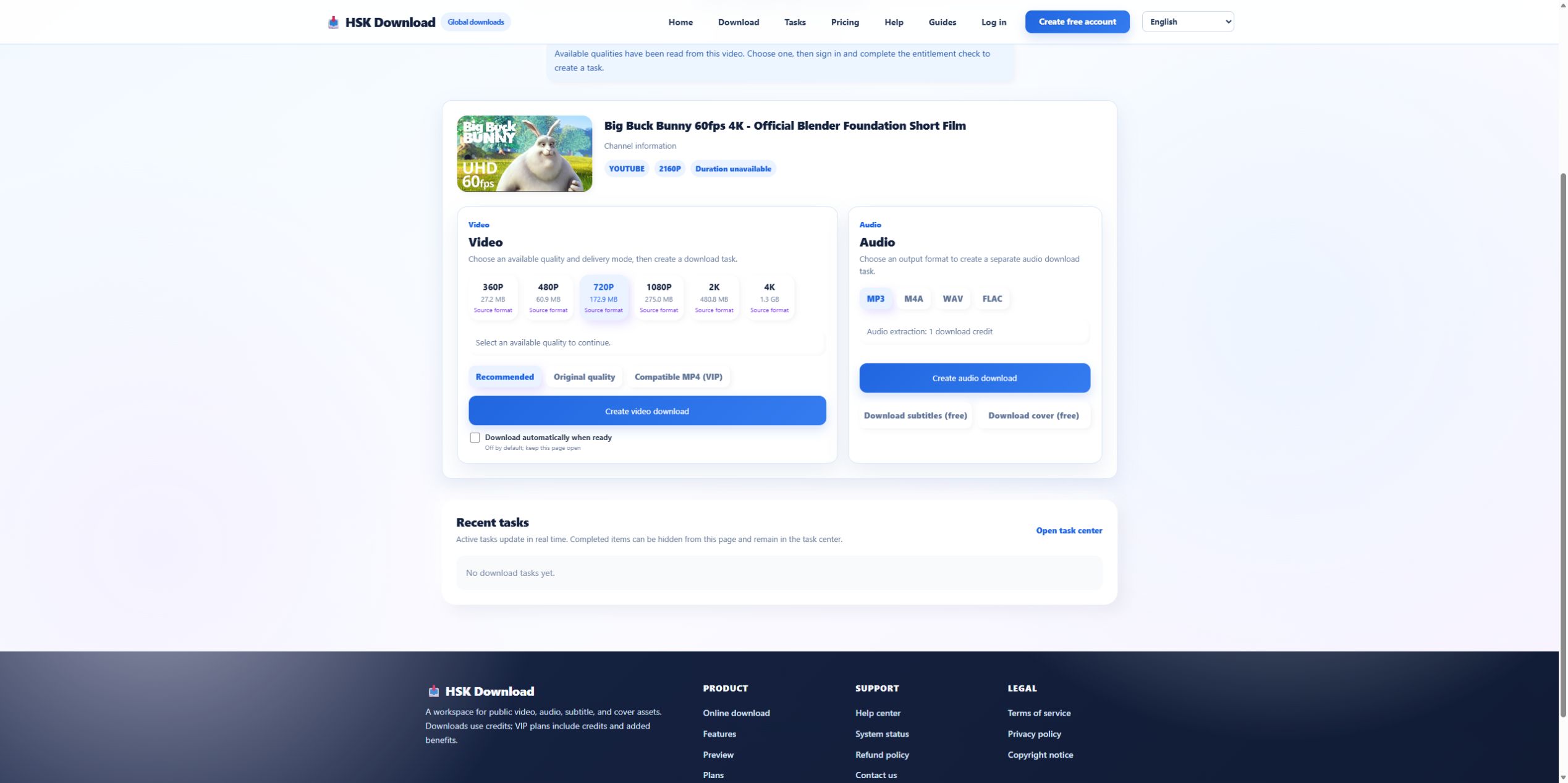
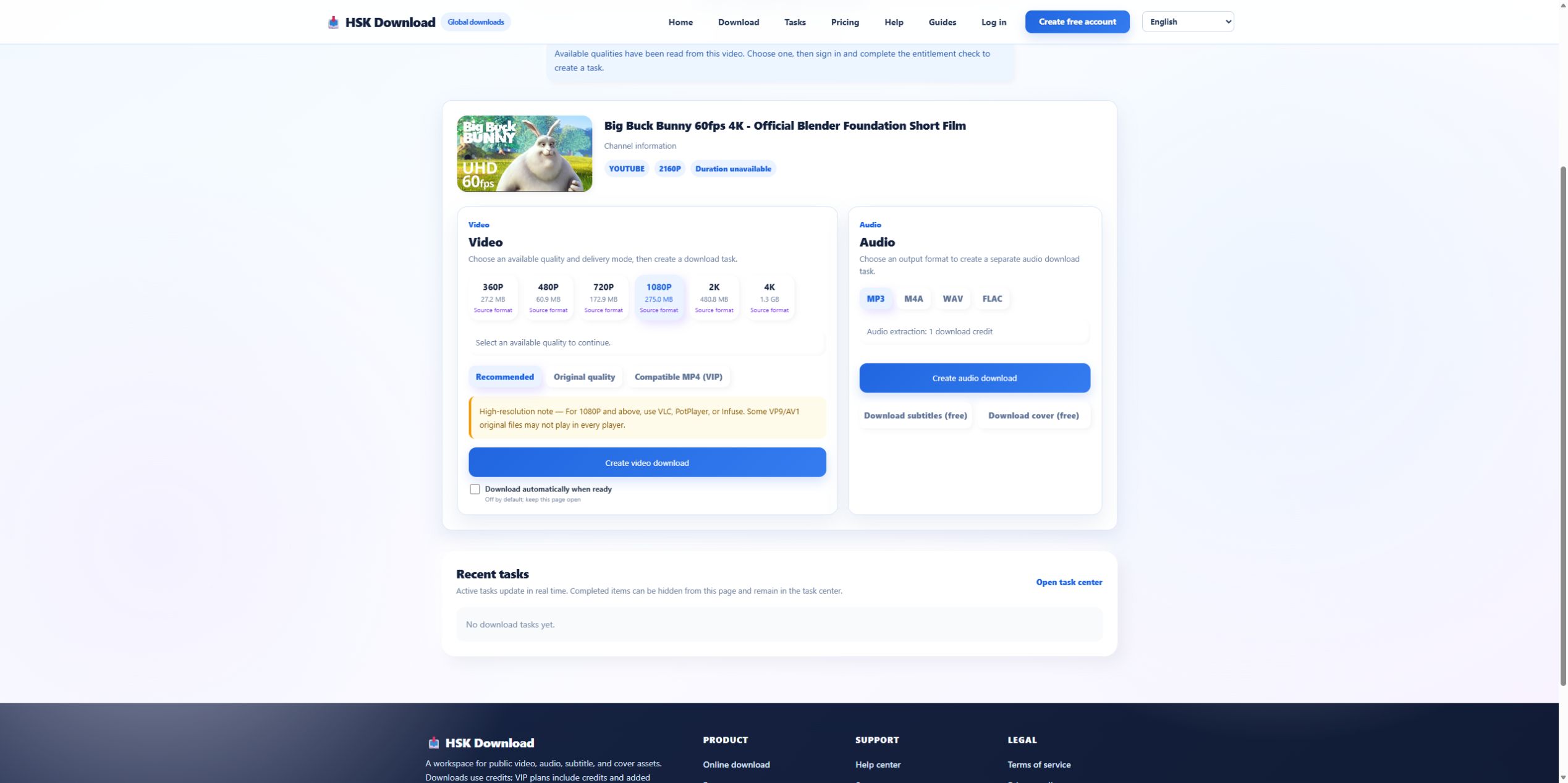
On 2026-07-29, HSK recognized Blender’s official test URL and displayed the correct title and thumbnail. If the page being diagnosed rejects that stable permitted source or shows the wrong media, the failure is at domain behavior or source analysis—not MP3 encoding. Stop before any account or payment step.

Separate missing formats from unsupported claims
The HSK control visibly returned MP3, M4A, WAV, and FLAC. A different page may expose fewer choices. If it advertises a bitrate or format that disappears after analysis, record the before-and-after state. Do not assume that a missing option can be restored by refreshing repeatedly or clicking an advertisement with the same label.
Stop when the page requests sensitive access
A public-link converter does not need your YouTube password, cookies, authentication token, email inbox, contacts, or browser history. A request to install an extension or allow notifications is not proof that the conversion requires it. Deny unexpected permissions and use a trusted, documented path instead.
Trace the task and browser delivery separately
If conversion appears to start, look for a stable task state, progress record, or completed action. If no record exists and no file appears, the page has not provided verifiable success. If a file arrives, inspect it before opening in a privileged application. Check size, extension, media metadata, and whether the file type matches the claimed output.
Diagnose a wrong or silent audio file
Compare title and duration with the intended source. Play samples at three positions. A wrong title points back to source identity. A very short file points to output or delivery. Silence in one player may be compatibility; silence in multiple current players with normal duration needs media-track inspection. Do not upload the questionable file to another unknown converter as a diagnostic shortcut.
Move to a documented recovery path
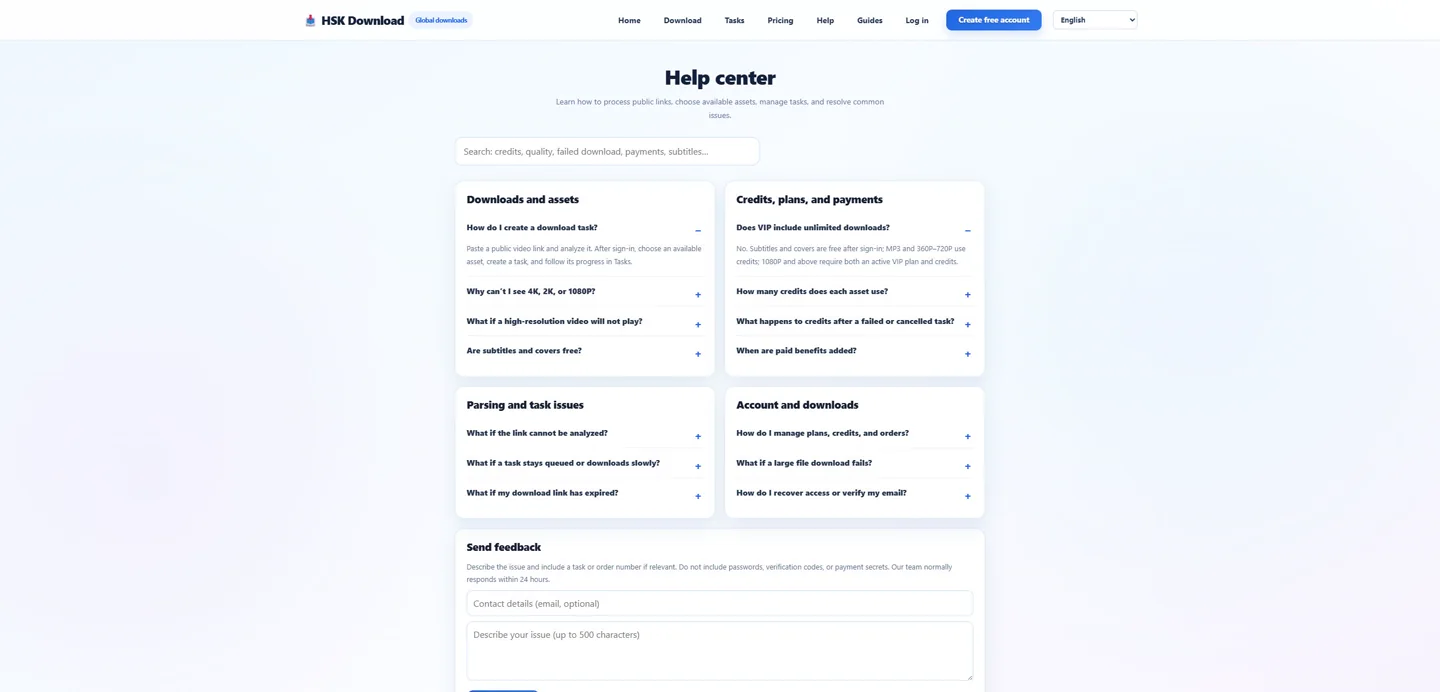
Use the same permitted source on the English download page to determine whether source analysis works in a known interface. If an HSK-specific stage then fails, use the help centre. For a third-party domain, follow its verified support and security guidance. Never send passwords, cookies, private URLs, or payment data in an error report.
Keep domain evidence without preserving dangerous links
For a redirect problem, save the registrable domain, page title, timestamp, clicked label, destination domain, and a privacy-safe screenshot. Remove query strings that may contain identifiers or campaign tokens. Do not revisit a suspicious destination merely to collect more evidence. This compact record lets support or a security team distinguish a deceptive redirect from a normal account handoff while minimizing additional exposure.
Evidence ledger for “YTMP3 YouTube to MP3 Converter Errors: Domain, Redirect, Source, and File Checks”
Evidence date: 2026-07-29. Control source: Big Buck Bunny 60fps 4K - Official Blender Foundation Short Film from the official Blender channel (10:34 in the YouTube player). The live analysis exposed 6 video resolutions, 4 audio formats, subtitles and cover, then required sign-in and an entitlement check before task creation. This ledger states exactly which observations support undefined and prevents the article from implying that a completed file was produced when the run stopped at the documented account boundary.