Quality diagnosis begins with a delivered file
A youtube to mp3 converter quality complaint is valid only after an authorized task completes and a file arrives. An analysis panel proves available choices, not bitrate, encoding success, or fidelity. Record task state, selected format, actual size, duration, and media metadata before listening tests. Otherwise a delivery failure can be mistaken for poor sound.
Establish the source expectation
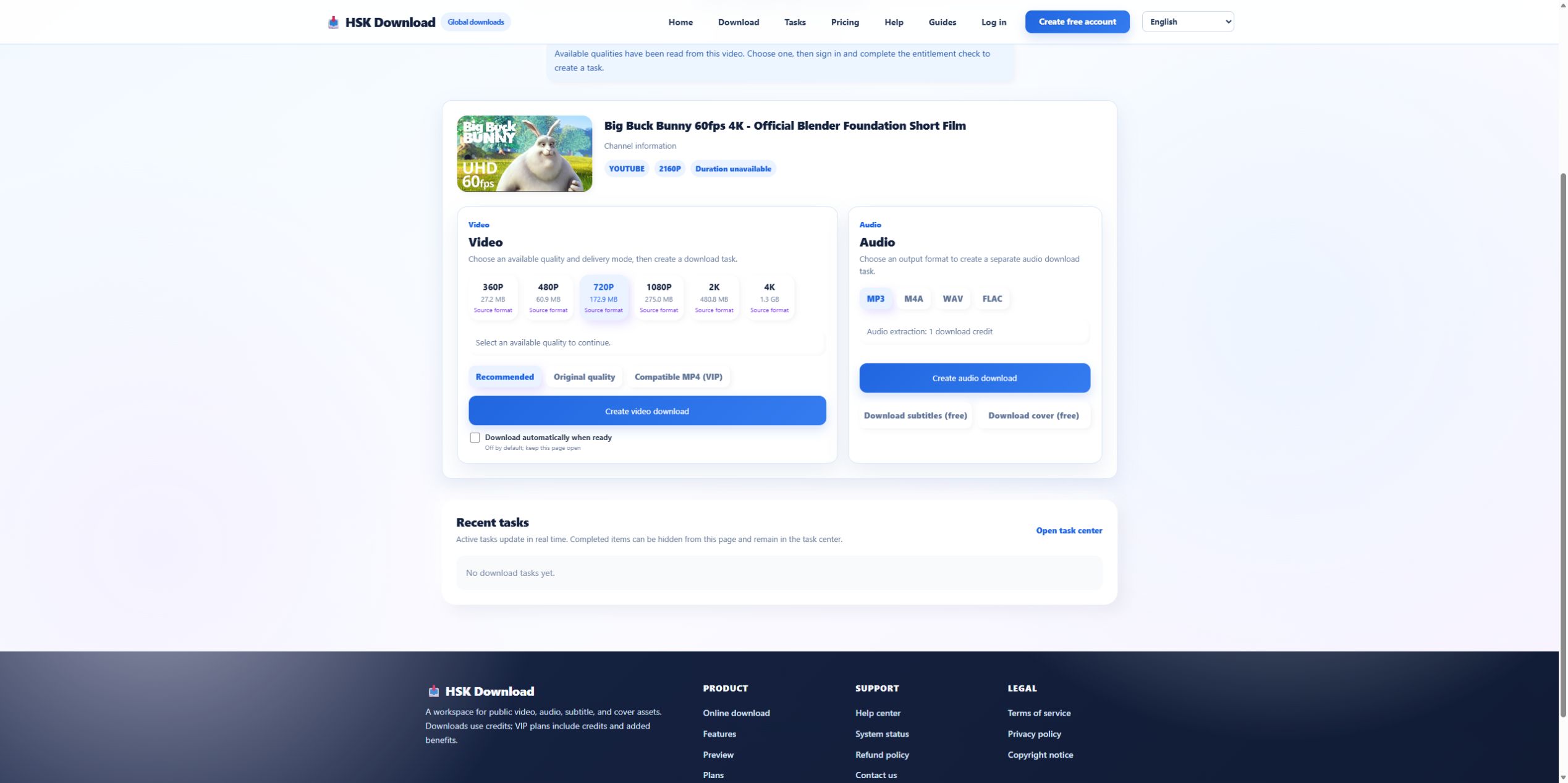
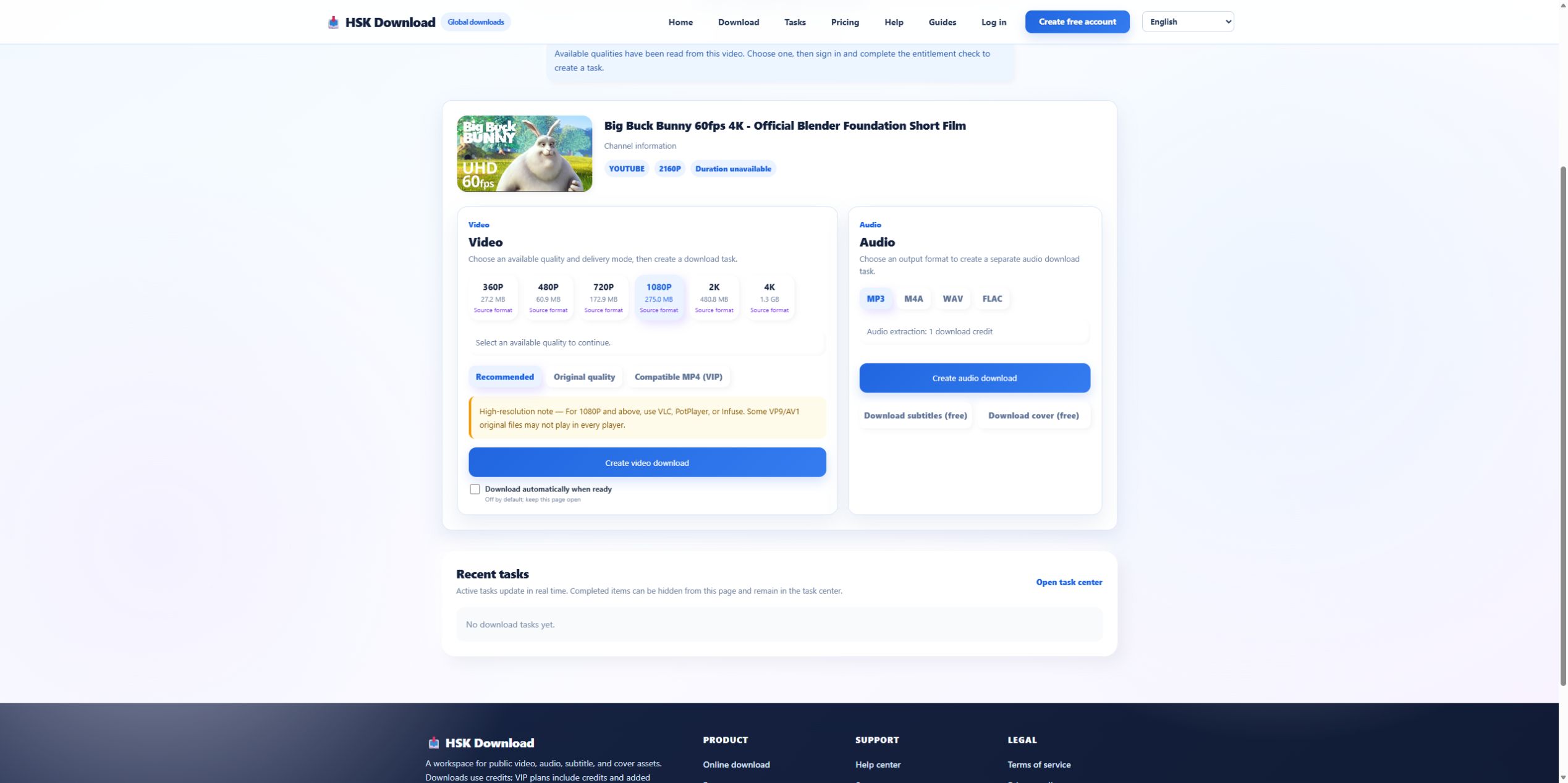
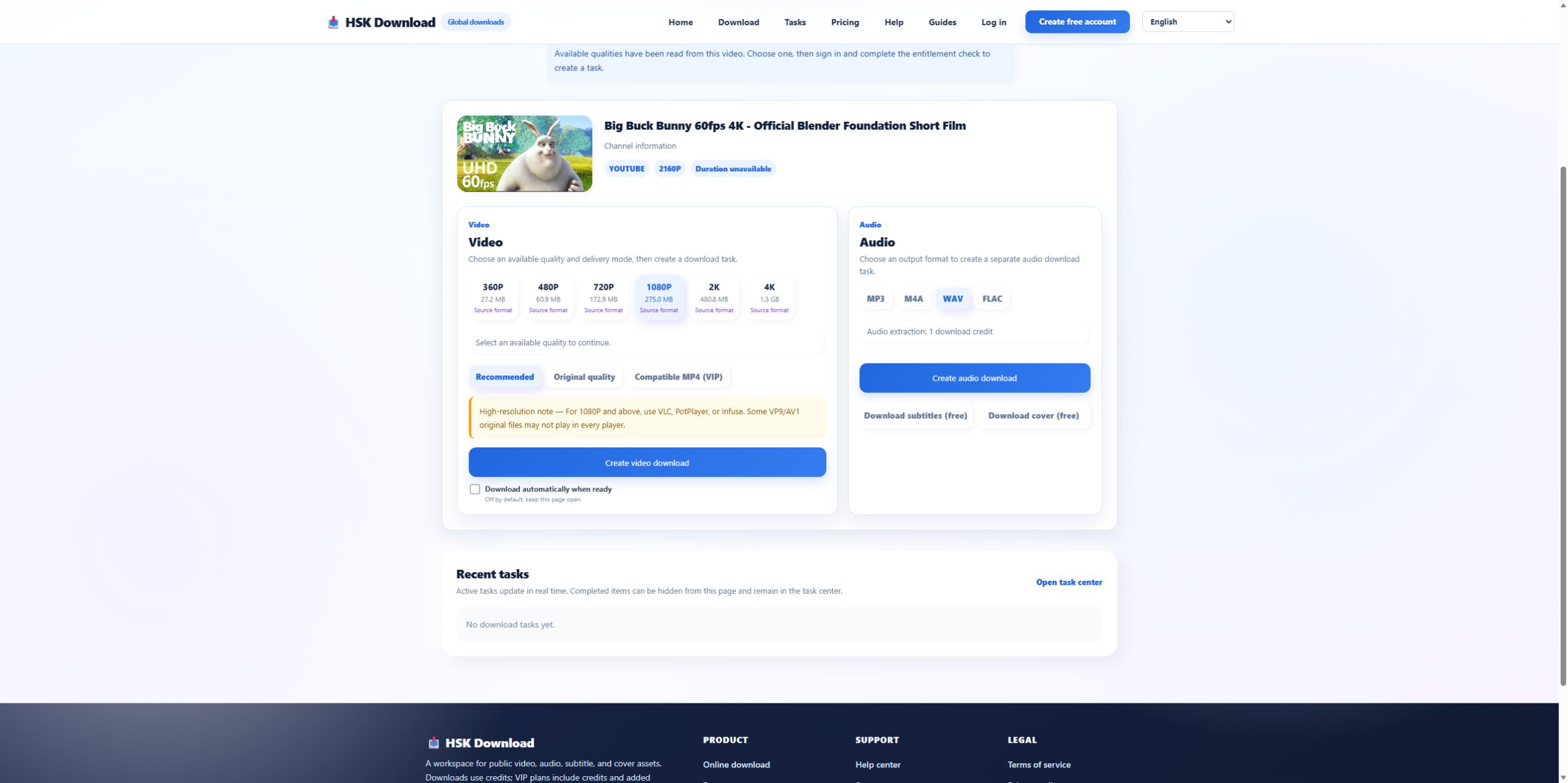
The 2026-07-29 control used Blender’s official “Big Buck Bunny 60fps 4K - Official Blender Foundation Short Film,” with a YouTube player duration of 10:34. HSK returned four audio formats but no visible bitrate selector. Therefore the defensible expectation is format availability, not a promised bitrate. Compare the file with the source at matching timestamps.
Inspect bitrate without assuming more is better
Read the delivered bitrate using file metadata. A high encoder setting cannot recreate information removed before conversion. Variable bitrate can also make one summary number misleading. Evaluate intelligibility, artifacts, and the target use instead of declaring a file superior solely because its reported bitrate is larger.
Compare duration and detect truncation
For the control source, the expected duration is 10:34. A materially shorter result suggests task output or delivery truncation. Listen near the end and test seeking. A correct duration with a silent tail can be a source or track issue; a short container duration is stronger evidence of incomplete output.
Investigate silence by channel and player
If the waveform or player is silent, verify that the file has an audio track, inspect channel count, and try a second current player. Sound in one player but not another indicates compatibility. Silence across players with normal metadata requires comparison with the source audio. Do not convert the silent file again before finding the missing stage.
Use WAV or FLAC as diagnostic comparisons carefully
A WAV or FLAC output can reveal whether the MP3 encoding step is related to an artifact, but neither guarantees a better source. Run a comparison only with permission and only after preserving the first result. Match duration, sample rate, and listening timestamps. Do not compare different source videos or different edits and call the difference a format test.
Check metadata labels and filenames separately
The extension, MIME type, embedded format, title tag, and source title can disagree. Inspect the actual container and codec rather than trusting the filename. Incorrect title metadata does not necessarily mean the audio samples are wrong; incorrect source identity on the analysis page does. Keep those faults separate in the report.
Create a support-ready quality packet
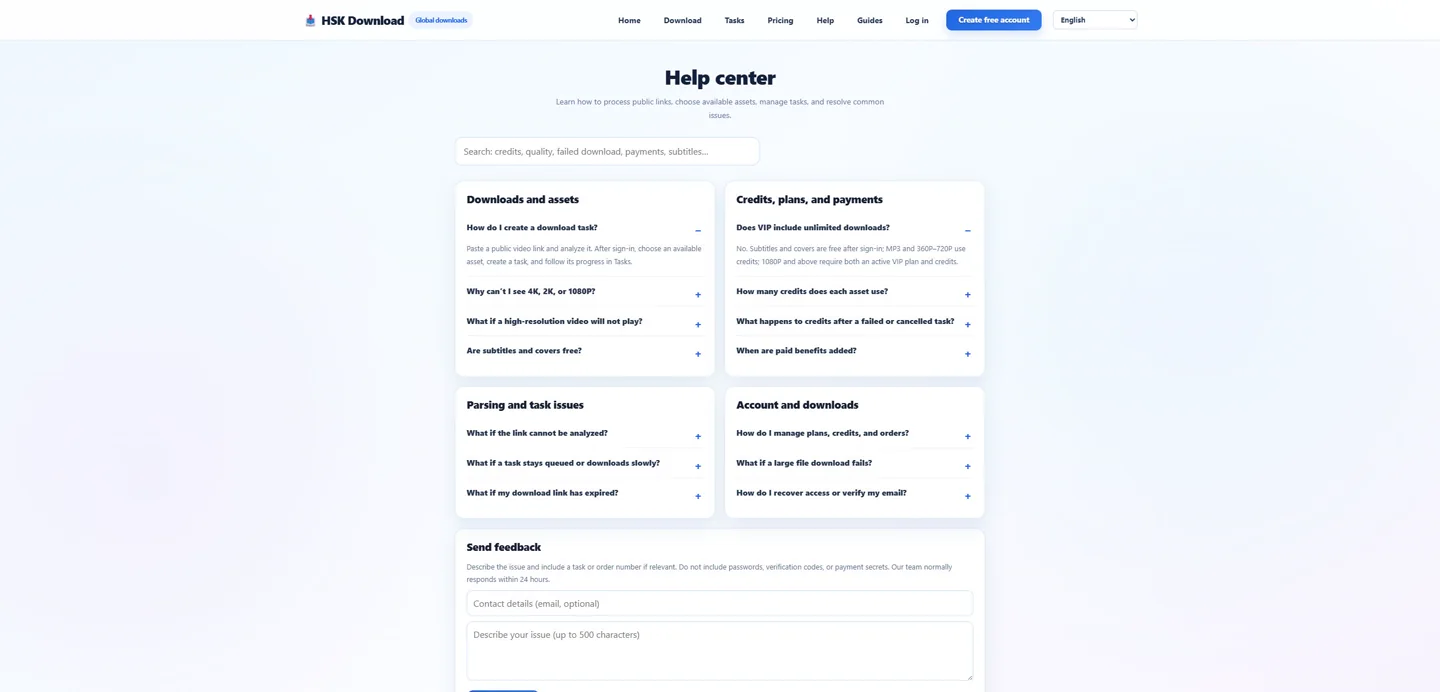
Include source title, permission basis, test date, selected format, task state, actual duration and size, bitrate/sample rate/channels, tested players, and timestamps where the problem is audible. Do not attach unauthorized media. Reproduce an allowed control once on the English download page, then use the help centre with sanitized evidence.
Make listening comparisons fair and repeatable
Match playback volume, use the same device and player, and compare the same timestamps. Keep filenames neutral if possible so the label does not bias the listener. Note audible artifacts separately from metadata differences. If WAV, FLAC, M4A, and MP3 outputs came from different source analyses or different edits, the comparison is invalid. A fair test changes the output format while holding source, task conditions, and listening chain constant.
Evidence ledger for “YouTube to MP3 Converter Quality Problems: Bitrate, Duration, Silence, and Metadata”
Evidence date: 2026-07-29. Control source: Big Buck Bunny 60fps 4K - Official Blender Foundation Short Film from the official Blender channel (10:34 in the YouTube player). The live analysis exposed 6 video resolutions, 4 audio formats, subtitles and cover, then required sign-in and an entitlement check before task creation. This ledger states exactly which observations support undefined and prevents the article from implying that a completed file was produced when the run stopped at the documented account boundary.