Confirm that a real file was delivered
When a youtube to mp4 result will not play, first check whether the browser actually finished saving it. Inspect the download list, destination path, extension, and file size. A zero-byte or partial file is a delivery failure; changing codecs cannot repair missing bytes. If no task reached a completed state, the investigation belongs at task creation or processing rather than playback.
Use the source analysis as the expected baseline
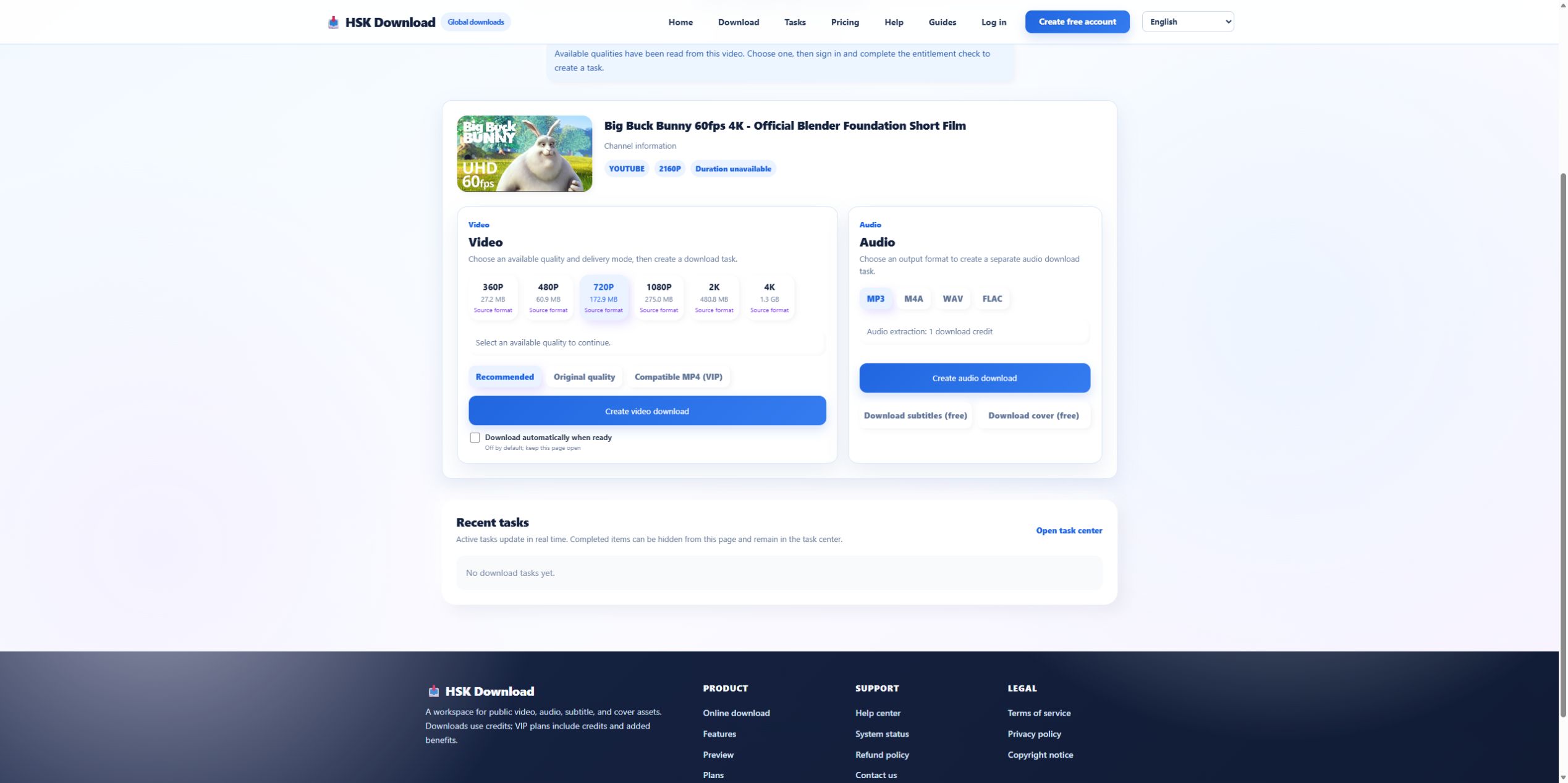
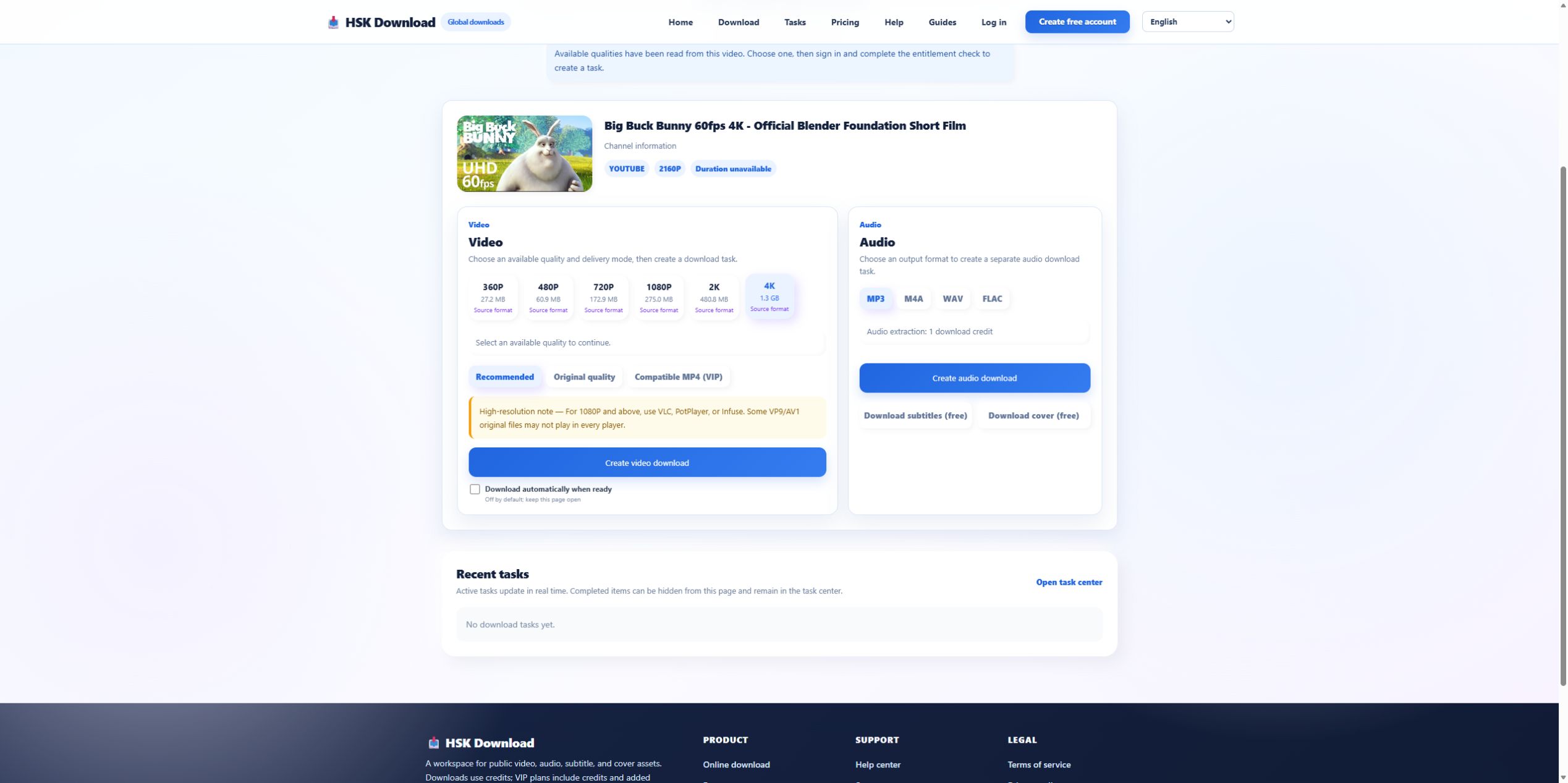
Our 2026-07-29 control used the official Blender film. The analysis returned six video representations and showed 1080P at 275.0 MB and 4K at 1.3 GB. Those estimates make obvious truncation easier to spot. A 4K file that arrives at a tiny fraction of the displayed estimate warrants a delivery check before blaming the player.
Container recognition can hide codec rejection
A player may recognize .mp4 yet reject the video or audio codec inside it. Inspect media information instead of renaming the file. Try one current second player. If one player succeeds, the file may be valid but unsupported by the first application. If every player fails and the size is plausible, compare the delivery mode and task log.
Compare Original with Compatible MP4
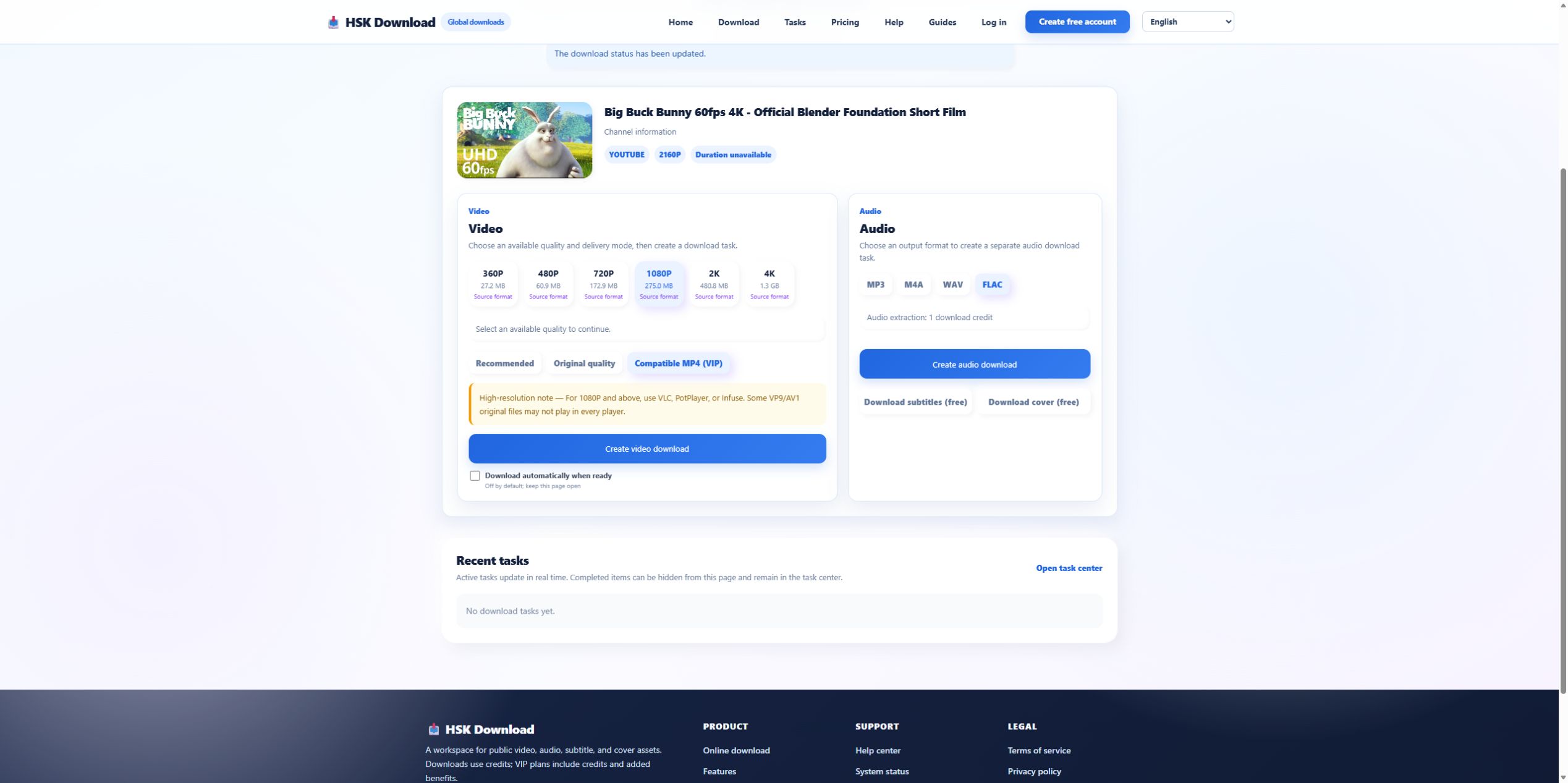
The live interface separated Original quality from Compatible MP4 (VIP). Original can retain the source representation; Compatible MP4 is intended to favor broader playback. If the original-mode file fails on an older device, create a new authorized task in compatibility mode only after confirming that the first task completed. Keep both file properties so the codec difference is measurable.
Diagnose picture without sound
A valid MP4 can contain a video track that plays while its audio codec is unsupported. Inspect whether an audio track exists, test another player, and compare the source playback. Do not extract MP3 as the first response unless the actual objective has changed to audio-only. For a video deliverable, choose a mode that combines compatible video and audio tracks.
Diagnose sound without picture
Audio-only playback can indicate an unsupported video codec, a missing video track, or an application that imported only the audio stream. Confirm the pixel dimensions and video-track metadata. If the selected source was 4K, test whether the device supports that codec and resolution. A 1080P compatibility result is a more informative comparison than downloading the identical 4K original again.
Check duration and seeking behavior
The expected runtime for the control is 10:34. A player that reports a much shorter duration, cannot seek, or stops at the same timestamp may be reading an incomplete file. Re-download only after checking the task output and browser delivery. If the file duration is correct but seeking fails in one app, the container index or player implementation may be the issue.
Escalate with file facts, not the private file
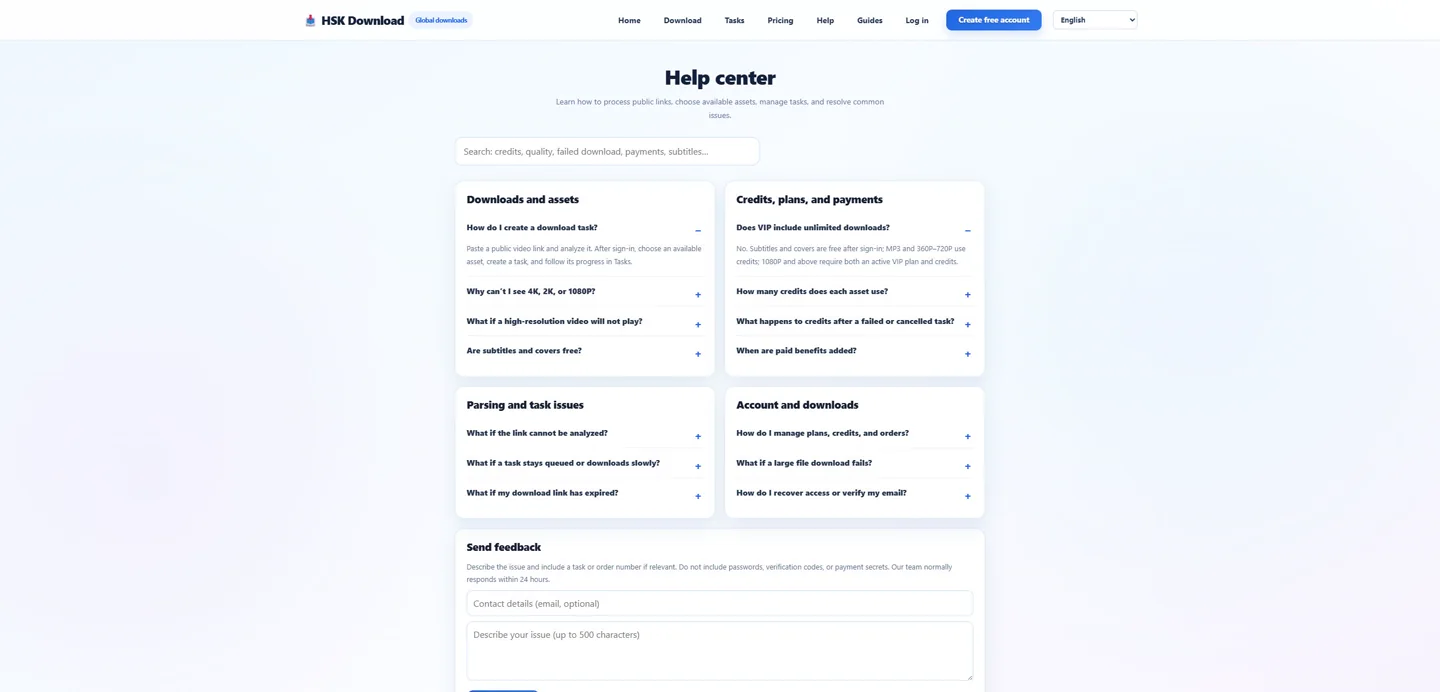
Report task state, selected resolution and mode, actual size, duration, video/audio codecs, tested players, operating system, and the visible error. Do not upload copyrighted or confidential material merely to explain the fault. Reproduce with a permitted control on the English download page, then send the sanitized evidence through the help centre.
Run one comparison that can change the diagnosis
Choose a comparison only after stating what it will prove. Testing the same file in a second current player isolates application support. Testing 1080P Compatible MP4 against 4K Original helps isolate resolution, codec, and device limits. Repeating the same failed settings adds no new evidence. Keep the original file, record both media-information summaries, and change one variable per attempt so the result remains interpretable.
Evidence ledger for “YouTube to MP4 File Not Playing: Diagnose Container, Codec, Audio, and Delivery”
Evidence date: 2026-07-29. Control source: Big Buck Bunny 60fps 4K - Official Blender Foundation Short Film from the official Blender channel (10:34 in the YouTube player). The live analysis exposed 6 video resolutions, 4 audio formats, subtitles and cover, then required sign-in and an entitlement check before task creation. This ledger states exactly which observations support undefined and prevents the article from implying that a completed file was produced when the run stopped at the documented account boundary.