YouTube Transcript Downloader: Export Your Own or Authorised Video Transcript
A transcript is useful long after a video is uploaded. It can become a lesson outline, a searchable archive, a review copy for an editor, or the starting point for captions you control. The important part is not simply getting a text file: it is preserving context, language, and permission so the text remains useful and lawful.
This guide is for videos you created, videos your organization owns, public-domain material, or videos where the copyright holder has clearly allowed transcript reuse. A visible YouTube video is not automatically permission to copy or republish its spoken words. When permission is unclear, ask the owner or use notes you write yourself rather than exporting the transcript.
Know what you are downloading
YouTube can display several related text layers. A transcript is the spoken content arranged as readable text, often with time markers. Captions are timed lines intended to be read while watching. Subtitles may be a translation or an alternative language track. They can look similar on screen, but they serve different jobs.
Before you save anything, decide what you need. An editor checking a quotation may need timestamps. A teacher preparing a permitted class handout may need paragraphs and speaker labels. A creator turning their own video into an article may want clean text plus a record of the original URL. Choosing that outcome first avoids losing information during cleanup.
Confirm permission and the intended use
Make a quick rights check before opening a downloader. Ask three questions: do I own the video or have written permission; does the permission cover copying the spoken text; and will the saved transcript stay inside the agreed use? A client may approve internal review but not public reposting. A Creative Commons licence may allow reuse only with attribution or under other conditions.
Save the permission message, licence note, or project brief with the transcript. This takes seconds and makes a future handoff much safer. Do not use a transcript tool to bypass a paywall, private access control, account restriction, DRM, or regional restriction. If a video is unavailable to you normally, that is a signal to resolve access with the owner, not a technical obstacle to work around.
Start with the official YouTube transcript when available
For an authorised video, first look for YouTube's own transcript display. Open the video, use the description or more-options menu where YouTube offers a transcript, and inspect the text while the video is available. This is the best place to catch obvious problems: a name recognized incorrectly, an inserted advert read as speech, or a language track that does not match the video.
Copying an official display into a working document may be enough for a one-off review. For repeatable internal work, a dedicated export workflow can help you save a consistent text file. Keep the original video URL and the date beside every export; transcript text can change if captions are corrected later.
Check the source before you paste a link
Use the full, public YouTube watch URL from the browser address bar for a video you are allowed to process. Reopen it in a private browser window if you want to confirm that the page is genuinely public, rather than only visible through an account or team session. Then play a short section and compare what you hear with the displayed text.
This small check prevents a surprisingly common mistake: saving an automatic transcript in the wrong language, or exporting a compilation when the project brief named a different upload. Note the channel name, video title, runtime, and upload date in your project record. Those details make it possible to find the exact source again.
Choose an export method that keeps control with you
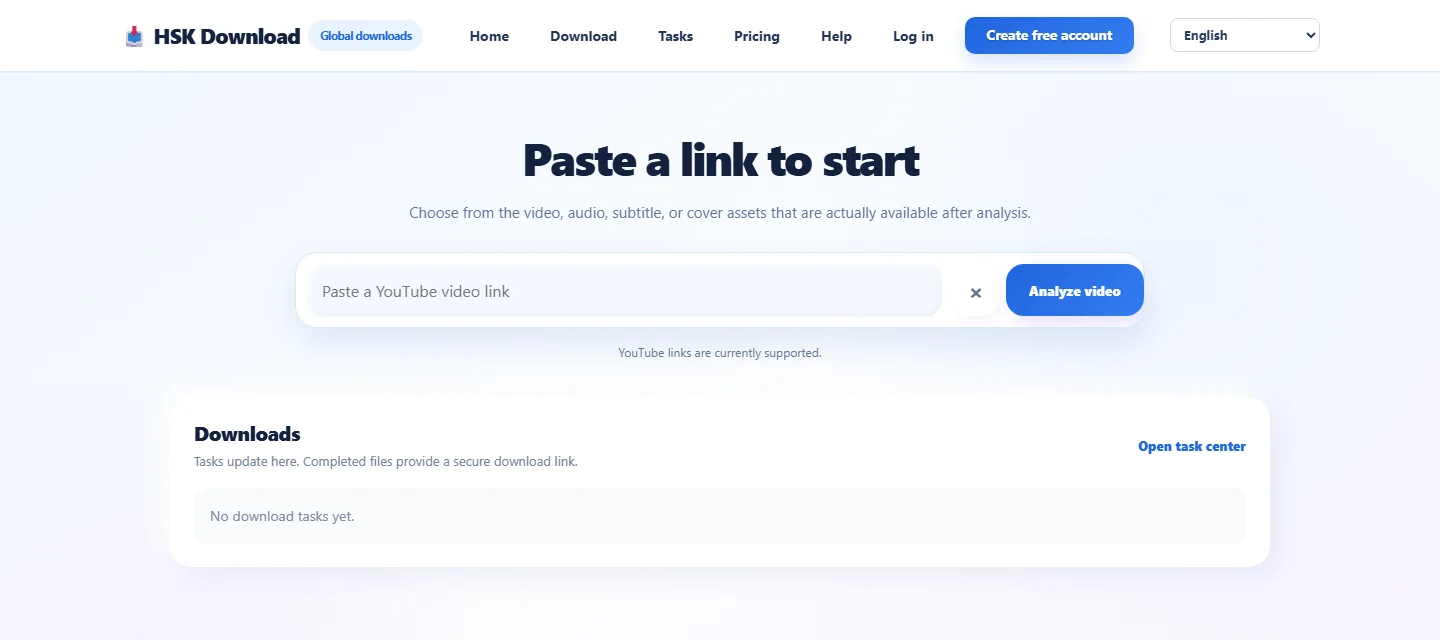
When you need a simple text copy for content you own or are authorised to reuse, use open the HSK Download tool as the workspace entry point, then select a transcript-related option only when it is available for that permitted source. Review the page before submitting anything. A legitimate workflow should state what it can retrieve and should not ask you to defeat YouTube access controls.
Avoid sharing confidential URLs with unreviewed third-party services. If the video contains private client material, unreleased product details, student information, or recordings of meetings, get the owner's approval for the exact service you plan to use. Your safest option may be to work from the caption file already held by your production team.
Keep timestamps when they answer a question
Time markers make a transcript auditable. They allow a reviewer to jump back to the spoken source, verify a statistic, or locate a section for revision. Keep them for interviews, training videos, legal or compliance review, research notes, and collaborative editing. Even a rough marker every 30 or 60 seconds is more valuable than an unexplained wall of text.
For a polished article based on your own video, create two versions: a source-preserving transcript with timestamps and a reading version with headings and paragraphs. Do not silently treat the reading version as a verbatim record. Label it “edited transcript” when you remove filler words, combine sentences, or correct recognition errors.
Add speaker labels and language notes
Automatic captions often confuse speakers. Listen to transitions and identify people by role if names are not appropriate: “Host,” “Guest,” “Instructor,” or “Customer.” Never invent an identity from a voice. For multilingual videos, record the spoken language and caption language separately. A Chinese caption track for an English video is not an English transcript.
If you translate text from a video you are allowed to use, retain the original transcript as a separate file. Translation is interpretation; it should not overwrite the source. Include the target language, translator or tool, and review date in the filename or document header.
A desktop workflow you can repeat
Use a predictable sequence so that exports do not become anonymous files on a desktop:
- Confirm rights and scope with the owner.
- Save the canonical YouTube URL and video metadata.
- Watch a short sample and confirm language and captions.
- Export or copy the authorised transcript.
- Keep a timestamped source copy before editing.
- Review names, numbers, quotations, and speaker changes against the video.
- Save an edited reading copy only when the project needs one.
The diagram represents a review workflow, not a promise that every YouTube video has downloadable captions. Availability depends on the uploader's choices, the video, language tracks, and the permissions you hold.
Clean text without changing meaning
Start with low-risk fixes: remove duplicated lines, correct clear transcription mistakes after listening, separate long paragraphs, and standardize punctuation. Be especially careful with product names, medical terms, legal language, numbers, and direct quotations. If a sentence is unclear, leave a timestamped note for the owner instead of guessing.
For a transcript used as evidence or a formal record, do not remove pauses, interruptions, or uncertainty without a documented editorial policy. For a creator's blog adaptation, rewriting may be useful, but that new article is a derivative work of your own source and should be reviewed as such. The transcript remains the reference copy.
Use a naming system that survives handoffs
An effective filename answers four questions: what video was this, which language, which version, and when was it exported? For example: channel-topic-2026-07-27-en-source-timestamped.txt. Store a small companion note with the URL, title, runtime, permission basis, export date, and editor.
Keep source files in a restricted project folder when they contain sensitive material. Do not put private transcripts into a public shared drive merely because the video was easy to view. Access to the file should match the permission you received.
Troubleshoot a missing or weak transcript ethically
If no transcript appears, first check whether the uploader supplied captions, whether the selected language exists, and whether the video's audio is clear enough for automatic captions. Watch a different section in case the problem is temporary or limited to a segment. For a video you own, you can upload or correct captions in YouTube Studio rather than relying on an external export.
If the captions are inaccurate, treat them as a draft. Compare difficult passages with the audio, flag uncertain words, and ask the creator or subject-matter expert to review. Do not solve a missing transcript by obtaining material from a private, paid, or restricted version of the video.
Protect people mentioned in the video
Spoken text can expose more than a video thumbnail suggests. Before sharing an authorised transcript, review it for personal contact details, children's information, health details, financial data, and confidential business discussion. Permission to copy does not eliminate privacy duties. Redact only under an agreed policy, and keep an access-controlled original if your organization needs an unredacted record.
When you publish an excerpt from someone else's permitted video, use the credit and attribution requested by the owner or licence. Link to the original when appropriate, identify edits or translations, and do not present another person's words as your own.
Final checklist
Before closing the task, verify that you have: permission for the intended use; the exact source URL; the right language track; a preserved timestamped copy where needed; an edited version clearly labelled; and a secure storage location. This checklist turns a one-click export into a reliable content asset that a teammate can understand months later.
FAQ
Can I download a transcript from any YouTube video?
No. Only export text from videos you own, have permission to use, are public domain, or are otherwise licensed for your intended use. A public watch page alone is not permission to republish its text.
What is the difference between a transcript and captions?
Captions are timed for viewing with video. A transcript is a readable text record, sometimes retaining those timings. Keep the caption language and transcript language in your project notes.
Should I remove timestamps?
Keep a source copy with timestamps whenever verification, editing, research, or collaboration matters. You can create a separate reading copy without them for an approved publishing workflow.
Why does the transcript contain mistakes?
Automatic speech recognition can mishear names, accents, technical terms, and overlapping speakers. Check important passages against the audio and mark uncertainty rather than inventing a correction.
Can I translate an authorised transcript?
Yes when your permission or licence covers translation. Preserve the original separately and label the translated file with its language, date, and review status.
What should I do when no transcript is available?
For your own video, improve or upload captions in YouTube Studio. For someone else's video, ask the owner for a caption file or permission; do not bypass restricted access.