Confirm the video and thumbnail version
Open the original public video and verify its title, channel and publication date. A creator can replace a thumbnail, so record the access date and decide whether the project needs the current image or a documented earlier version.
Choose dimensions for the real use case
A small image displayed on a page is not necessarily the best source asset. Save the largest version actually supplied, then make separate copies for a website, presentation or archive; enlarging a preview does not create missing detail.
Analyse the complete public link
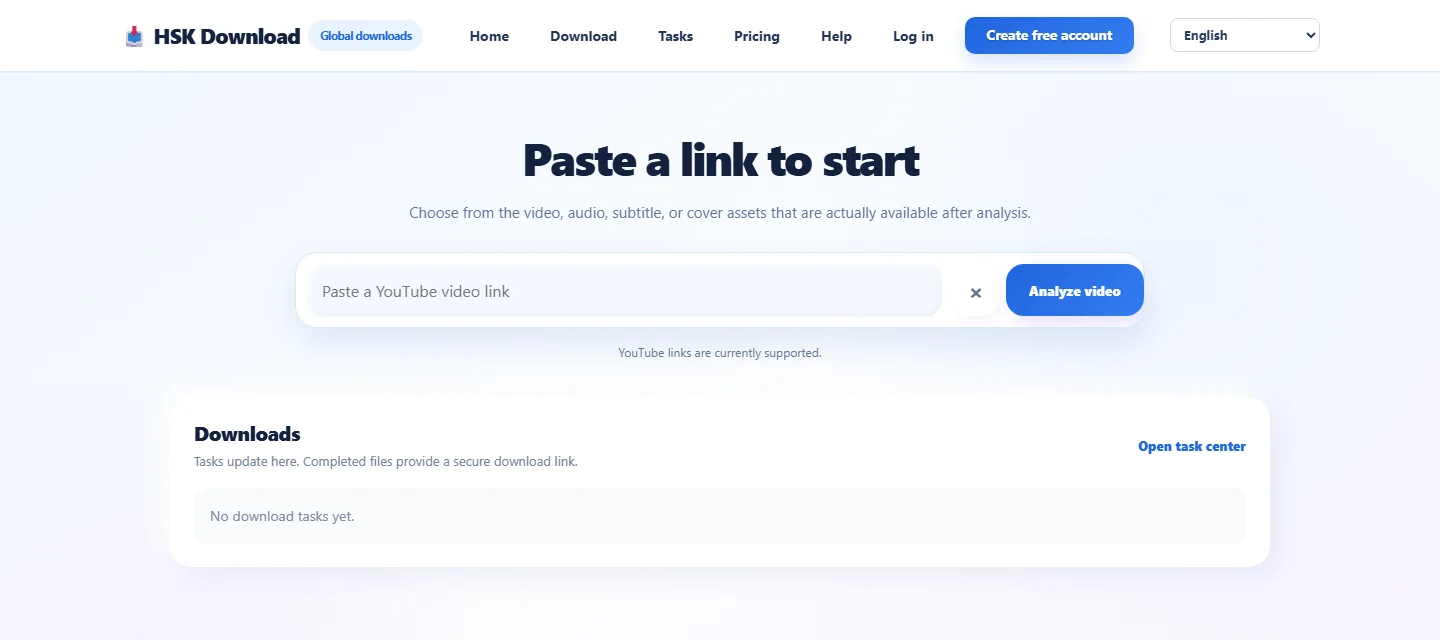
Paste the full video URL into HSK Download and review the resources returned by the source. Save a cover only when the option is present, and do not replace a missing source asset with an unrelated screenshot or unverified third-party image.
Verify the image, not just its file name
Open the file and inspect pixel dimensions, 16:9 composition, sharpness, colour and format. JPEG is common for covers and PNG can preserve fine detail, but an extension or “HD” label does not prove source quality.
Use traceable file names and folders
Include the channel or project, video subject, access date and dimensions in the name. Keep the untouched thumbnail, editing copy and approved delivery separate, with the source URL and permission record stored alongside them.
Fix blur, stale images and failed delivery
Recheck the exact video and its current thumbnail first. Clearing browser cache may correct a stale preview but cannot create a higher-resolution source; third-party artwork still requires permission before editing or publishing.
Match the search intent
youtube thumbnail download — Identify the correct video and thumbnail version, then check dimensions, aspect ratio, format, clarity and permitted use.
Responsible use
Process only public media you own, are authorised to use, that is in the public domain, or that you may otherwise use lawfully. Public visibility alone does not grant copying or republication rights.
Next step
Open HSK Download with a complete public link you are authorised to process.